
Key Takeaways
Why DC Fast Charging Route Planning Deserves Its Own Strategy
Gasoline travelers rarely think twice about fueling up — there are roughly 150,000 gas stations in the United States, and virtually all of them work when you pull in. Public DC fast charging is a different proposition. The US had approximately 41,000 DC fast charging ports as of early 2024, according to the Department of Energy's Alternative Fuels Station Locator, and they are distributed unevenly along corridors, with real variation in reliability, speed, and network access.
That asymmetry means the difference between a smooth 500-mile drive and a three-hour detour often comes down to how carefully you planned your charging stops before leaving the driveway. Understanding the landscape of public networks is the prerequisite — if you haven't already mapped out which networks dominate which corridors, the complete overview of US public EV charging networks is the right starting point.
This guide moves past the landscape overview and into the mechanics of route planning: which tools to use, in what order, and how to pressure-test your itinerary so that a single broken charger doesn't strand you.
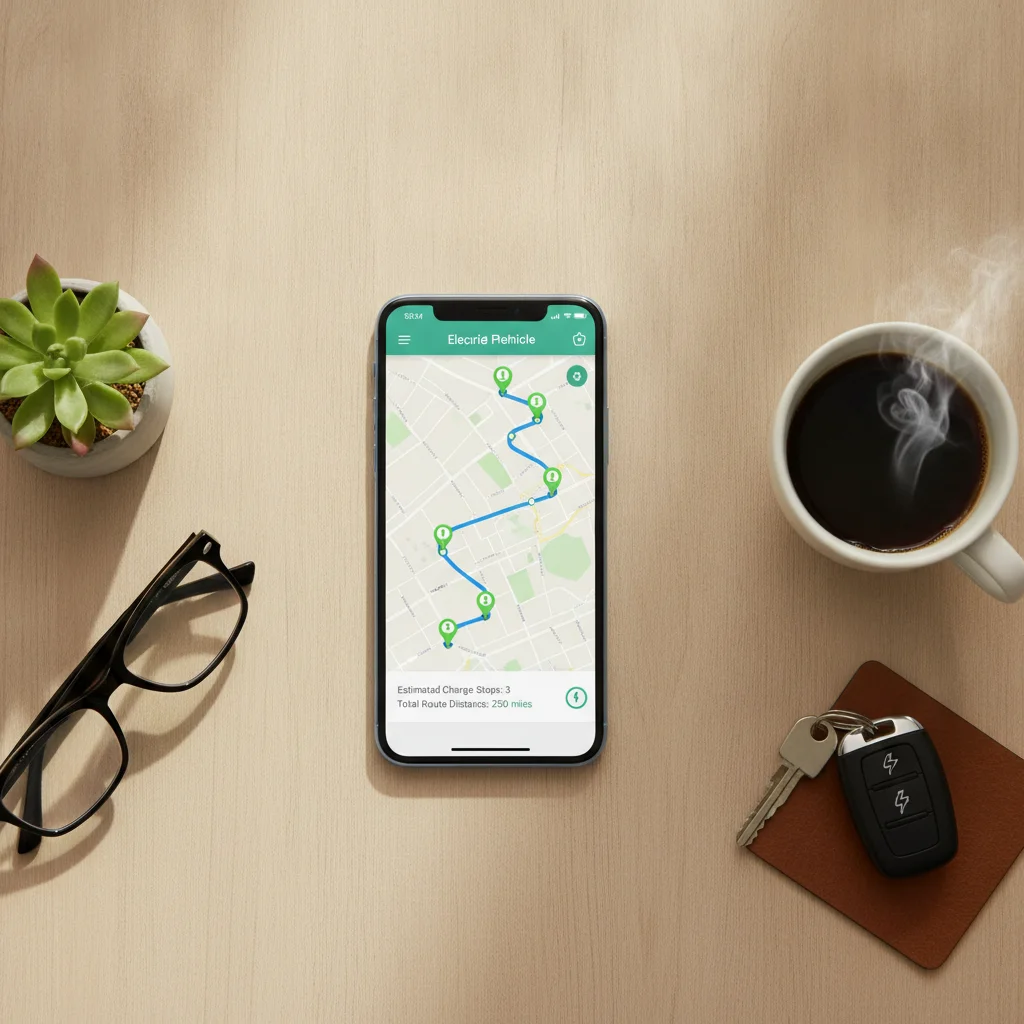
A well-constructed charging plan accounts for at least three variables: charger speed (measured in kilowatts delivered), network reliability (based on recent uptime data and user reports), and spacing (arriving with enough remaining range to reach a backup station if your primary stop fails). Each step in this guide addresses one or more of those variables directly.
Tools and Prerequisites Before You Plan
Before opening a single app, confirm that you have the accounts, hardware, and baseline knowledge the planning process requires. Trying to set up a charging network account from a broken charger kiosk in rural Nevada is a situation worth avoiding entirely.
What you will need
On the hardware side, your vehicle's onboard navigation — if it includes built-in charging route planning — should be your first layer, not your only one. Built-in systems from manufacturers like Tesla, Rivian, Ford, and Hyundai/Kia integrate battery state-of-charge data directly into route calculations, which no third-party app can fully replicate. However, they often lag on real-time outage data and rarely surface user reviews that flag persistently broken units.
PlugShare
Aggregates real-time user check-ins, photos, and reviews across virtually all public charging networks — the most reliable source of current station status.
A Better Routeplanner (ABRP)
Calculates optimized charging stop sequences based on your specific vehicle model, battery state, weather, and elevation data.
Vehicle manufacturer navigation app (e.g., Tesla app, FordPass, MyChevrolet)
Provides native route planning that integrates live battery state-of-charge into stop calculations — more accurate than any third-party app for your specific vehicle.
DOE Alternative Fuels Station Locator (afdc.energy.gov)
Government-maintained database of all public charging stations by connector type and network — useful for cross-checking coverage in rural or unfamiliar corridors.
Network-specific apps (Electrify America, EVgo, ChargePoint)
Required for payment initiation and provide real-time status for that network's stations, including plug-level availability.
CCS-to-NACS adapter (or NACS-to-CCS)
Enables cross-network charging compatibility — essential for non-Tesla vehicles accessing Tesla Superchargers or vice versa.
Once your accounts are active and your adapter kit is packed, the planning workflow below will take approximately 20–45 minutes for a typical 400–600 mile drive. Longer trips or routes through rural corridors may require additional contingency research.
Step-by-Step: Building Your Charging Route
The steps below move from broad route establishment to granular stop verification. Work through them in order — skipping ahead to individual station lookup before you've set your corridor often results in planning around stations that are inefficiently placed for your actual path.
Enter your full route into A Better Routeplanner
Open ABRP and input your origin and destination. Select your exact vehicle make, model, and model year from the database — ABRP's accuracy depends heavily on using the correct vehicle profile, since charging curves vary significantly between model years and trim levels.
Set your reference state of charge (the battery level at which you plan to arrive at each stop) to 10–20%. This buffer accounts for unexpected detours, headwinds, or efficiency losses from climate control. Adjust the departure charge level to reflect how full you'll actually be when you leave — not 100% unless you specifically plan to charge to full before departure.
Review the auto-generated stop list. ABRP will propose charging locations and estimated charge times based on your vehicle's real-world charging curve.
Cross-reference the proposed stops in your vehicle's native navigation
Enter the same route in your vehicle's built-in navigation system (if it supports charging-integrated routing). Compare the proposed stops from both tools. When they agree on a location, that station is likely well-positioned for your route. When they diverge, investigate why — one tool may be routing around a known unreliable station or offering a faster charger that the other missed.
Native systems have a meaningful edge here: they read your actual battery state in real time and know your vehicle's exact power consumption curve. Use ABRP as a pre-trip planning layer and your vehicle's system as the day-of execution layer.
Verify each planned stop on PlugShare
For every station on your proposed itinerary, search PlugShare and check the following:
- Last successful check-in date: Anything older than one week warrants caution on a busy corridor; anything older than 30 days is a red flag.
- Recent failure reports: Look for comments mentioning error codes, broken cables, or payment failures. A single report isn't disqualifying — a pattern of reports with no successful check-ins between them is.
- Number of stalls: Prefer locations with four or more stalls when alternatives exist.
- Photos: Recent user photos can reveal whether a station is in a safe, accessible location and whether the equipment looks maintained.
Flag any stop that shows reliability concerns and identify the nearest alternative station within 20–30 miles on the same route.
Space your stops to preserve a meaningful range buffer
As a general rule, plan charging stops so that you arrive at each station with at least 10–15% state of charge remaining, accounting for realistic (not best-case) efficiency. For most long-range EVs, this means spacing stops 150–200 miles apart on highway speeds — less in cold weather, mountainous terrain, or at sustained speeds above 75 mph.
If ABRP or your vehicle's nav is proposing stops with arrival SoC projections below 5%, shorten the segment. Arriving with a thin buffer eliminates your margin for error if the target charger is offline.
Identify at least one backup station per planned stop
For each stop in your itinerary, note the nearest alternative DC fast charger within a radius you can reach from that location with your planned arrival SoC. Save these as waypoints or note them in a navigation app. The goal is to have a mental decision tree in place before you need it: if Station A is down, you go to Station B without hesitation and without needing to research while stressed and low on charge.
Pay attention to whether your backup is on a different network than your primary. If your primary is Electrify America and your backup is also Electrify America, a network-wide outage (rare but documented) could affect both. A backup on EVgo, Tesla Supercharger, or ChargePoint provides true redundancy.
Confirm network account access and pricing before departure
Log into each network app you'll be using and verify your payment method is active. Some networks — notably Electrify America — have had documented issues with credit card tokens expiring silently, causing payment failures at the charger. A quick test transaction or account status check takes two minutes and can prevent a 20-minute troubleshooting session at a charger.
Also review the current pricing at each planned stop. Per-kWh rates vary by state and by membership tier. Knowing whether a $7.99/month membership saves you money on a given trip helps you decide whether to activate one before you leave.
Once your route is locked, consider pairing this charging plan with range management techniques for the drive itself. Hypermiling strategies, climate control discipline, and speed management can meaningfully extend the buffer between stops — the guide on maximizing EV range on a long road trip covers those tactics in depth.
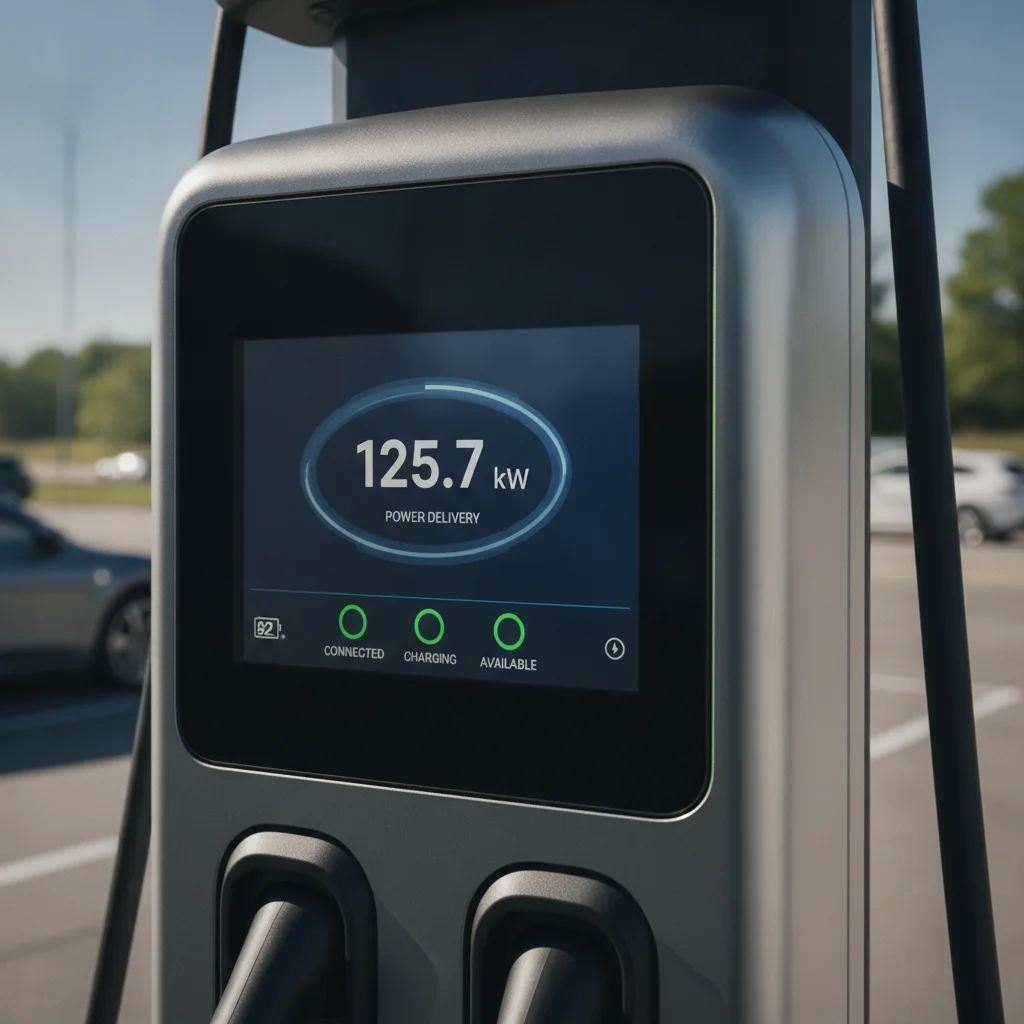
The charging cost side of the equation also deserves pre-trip attention. Fast charging rates vary widely between networks and states — sometimes by a factor of two or three for the same kilowatt-hour delivered. Before finalizing your stops, reviewing the financial side of road trip charging costs can help you choose between competing stations at similar distances.
Don't Rely on a Single Planning Tool
No single app has complete, real-time accuracy across all networks. ABRP may show a station as available that PlugShare's community has flagged as broken in the past 24 hours. Cross-referencing at least two tools — especially PlugShare for recent human-generated check-in data — is the minimum due diligence for any high-stakes road trip segment.
Rural Corridors Require Extra Buffer Planning
In sparsely populated states, DC fast charger spacing can exceed 100 miles between viable options, and those stations may have only two stalls. Plan rural segments conservatively: target arriving with 20–25% remaining rather than the standard 10–15%, and identify backup options even if they require a 15–20 mile detour off your primary route.
Charge to 80%, Then Drive
DC fast charging slows significantly above 80% state of charge due to battery thermal management. On most EVs, charging from 20% to 80% takes roughly the same time as charging from 80% to 100%. Planning multiple shorter charging sessions rather than fewer full charges keeps your total trip time lower and reduces battery heat stress.
Pair Charging Stops With Amenities
Charging takes 20–40 minutes — long enough to eat, use restrooms, and stretch. Routing your stops through stations co-located with restaurants, grocery stores, or rest areas turns charging time into a break rather than dead time. Both ABRP and PlugShare allow filtering by nearby amenities.
Save Your Route as a Shareable Link
ABRP allows you to generate a shareable link for your planned route. Sending it to a travel companion or saving it to your notes means you can reload the exact plan — including charging stops and settings — if your phone restarts or the app session times out mid-trip.
Evaluating Charger Reliability Beyond the Pin on a Map
A charging station that appears on every map as operational may still have a 40% uptime rate based on actual plug-level data. This is one of the most frustrating realities of current public charging infrastructure — and one that most casual planning tools obscure.
The most actionable reliability signals, ranked by usefulness:
- PlugShare check-ins from the last 72 hours: Recent green check-ins are the strongest indicator a station is working right now. A cluster of "worked great" posts from the past two days outweighs any official network status page.
- Network uptime dashboards: Electrify America publishes station status at the network level. ChargePoint and EVgo have similar status pages, though granularity varies by network.
- NEVI-funded stations: Stations built under the National Electric Vehicle Infrastructure program must meet 97% uptime requirements under federal guidelines. Identifying whether a planned stop is NEVI-funded adds a meaningful reliability signal.
- Number of stalls at the location: A six-stall station carries far less risk than a two-stall location. If one unit fails at a six-stall site, you still charge. If one fails at a two-stall site, you wait — or leave.
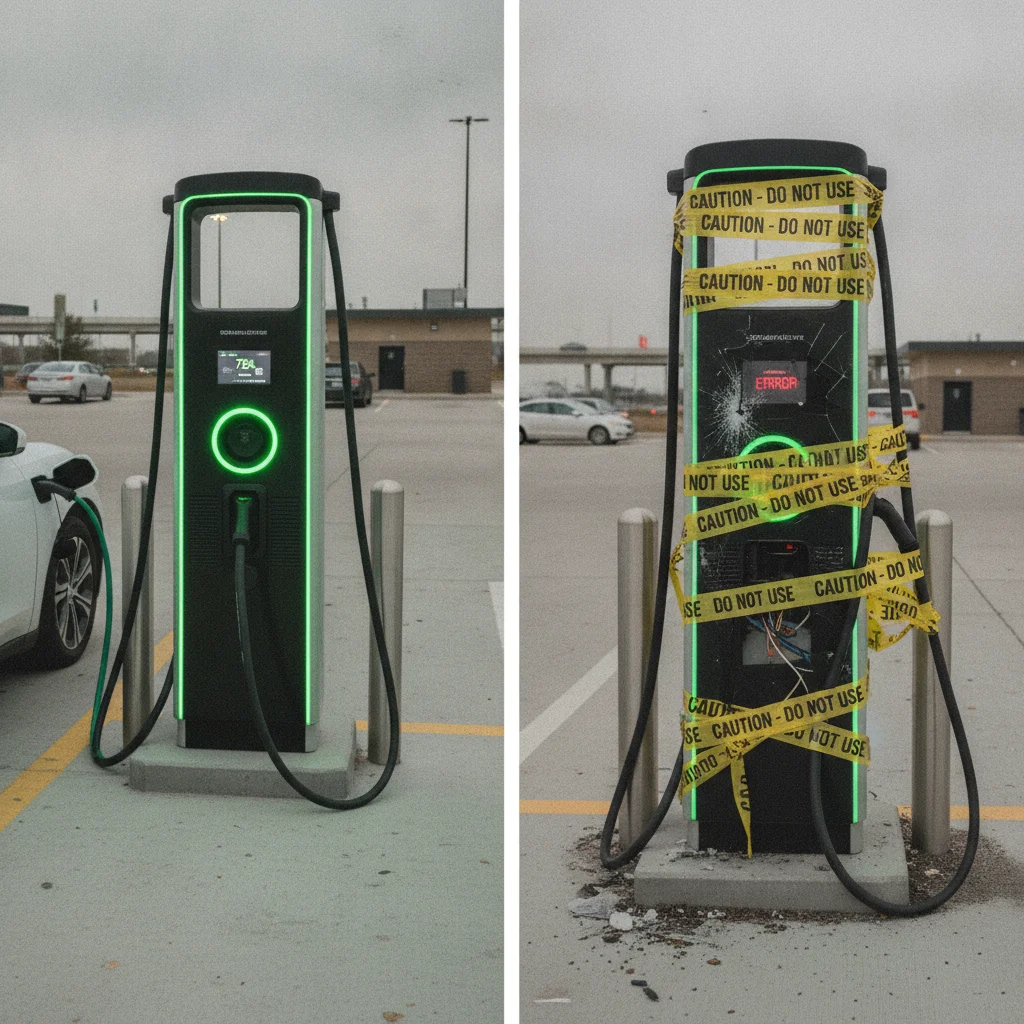
For a direct comparison of the two largest non-Tesla networks on reliability, coverage density, and pricing structure, the EVgo vs. Electrify America comparison breaks down the trade-offs corridor by corridor.
Always Plan for Charger Failure at Every Stop
Public DC fast charging infrastructure in the US still experiences meaningful downtime — industry studies have documented failure rates ranging from 5% to over 25% at some stations. Treating every planned stop as potentially unavailable, and knowing your backup before you arrive, is not pessimism — it's the standard operating procedure of experienced EV road trippers. Never plan a segment that leaves you stranded if your primary charger is offline.
The backup plan question is worth answering explicitly for every stop on your route, not just the ones that look sketchy. Ask: if this station has zero working plugs when I arrive, where is the next viable option and how much range will I have left to reach it? If the answer is "I might not make it," adjust your planned stops before you leave home.
Day-of Adjustments and Live Monitoring
Even a well-researched charging plan can encounter real-world friction: a construction detour adds 30 miles, headwinds drop your efficiency by 15%, or the PlugShare map shows a fresh outage report posted an hour ago. Treating your pre-trip plan as a living document — rather than a locked itinerary — is the mindset that separates experienced EV road trippers from frustrated ones.
Before each charging stop, spend 60 seconds on PlugShare checking recent activity at your target station. If there's a problem report posted within the last few hours with no subsequent successful check-in, start navigating to your backup immediately rather than hoping for the best.
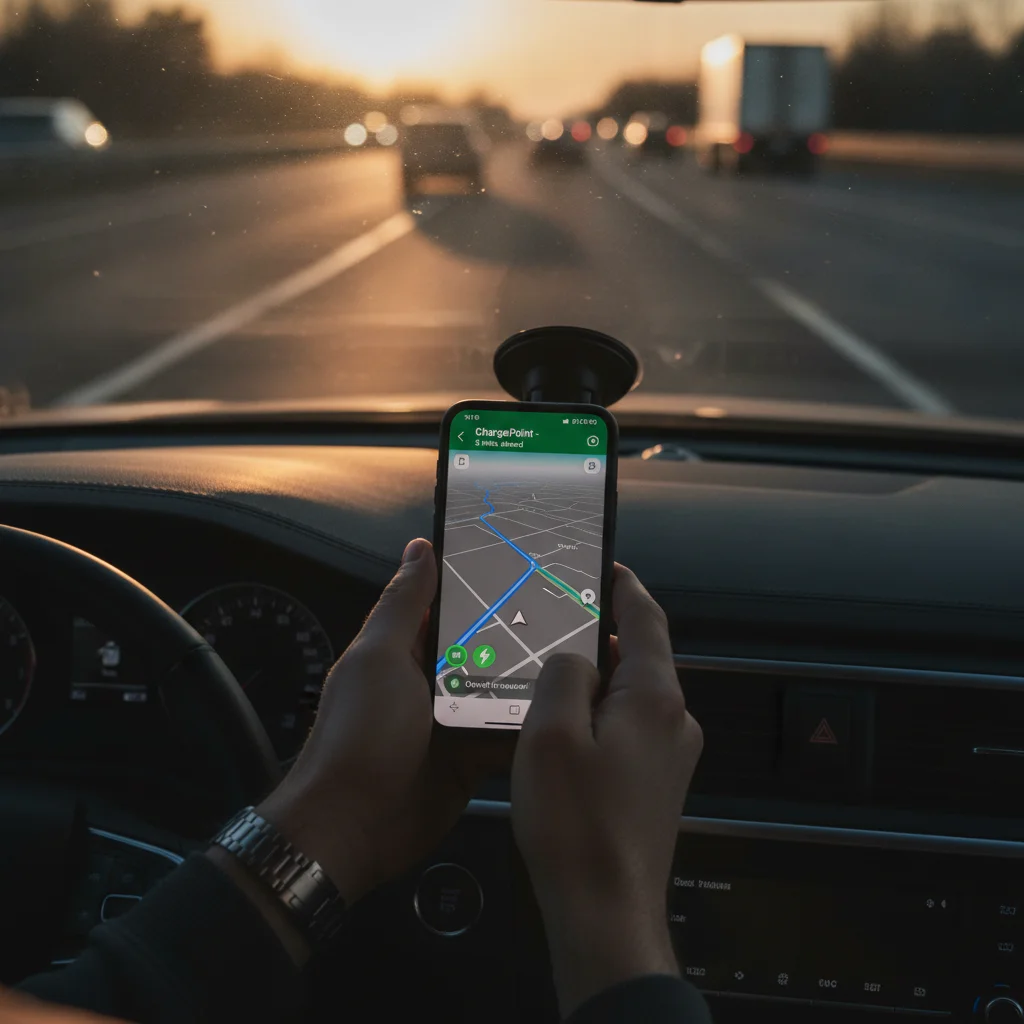
Most vehicle navigation systems that integrate charging data — including Tesla's onboard nav, Ford's SYNC 4A system, and GM's Ultium-based vehicles — will automatically reroute to an alternate charger if your target station is flagged as unavailable in their network data. This real-time rerouting capability is one of the strongest arguments for using your vehicle's built-in navigation as the primary layer, supplemented by PlugShare on your phone.
If you do arrive at a dead charger, the situation is recoverable in most cases — but knowing your options before panic sets in matters. The guide on recovering when public charging fails walks through the specific steps: network customer service numbers, backup station identification, and when roadside assistance is actually appropriate.
Finally, before any long drive, run through a pre-departure verification pass. Confirming that your adapters are in the car, your network accounts are active, and your first two charging stops have recent positive check-ins takes under ten minutes and eliminates the most common sources of road trip charging friction. The pre-road-trip EV charging checklist structures that final verification pass in detail.
All claims are backed by peer-reviewed research. Sources on request.