
Key Takeaways
Why Dead Chargers Are a Real Road-Trip Risk
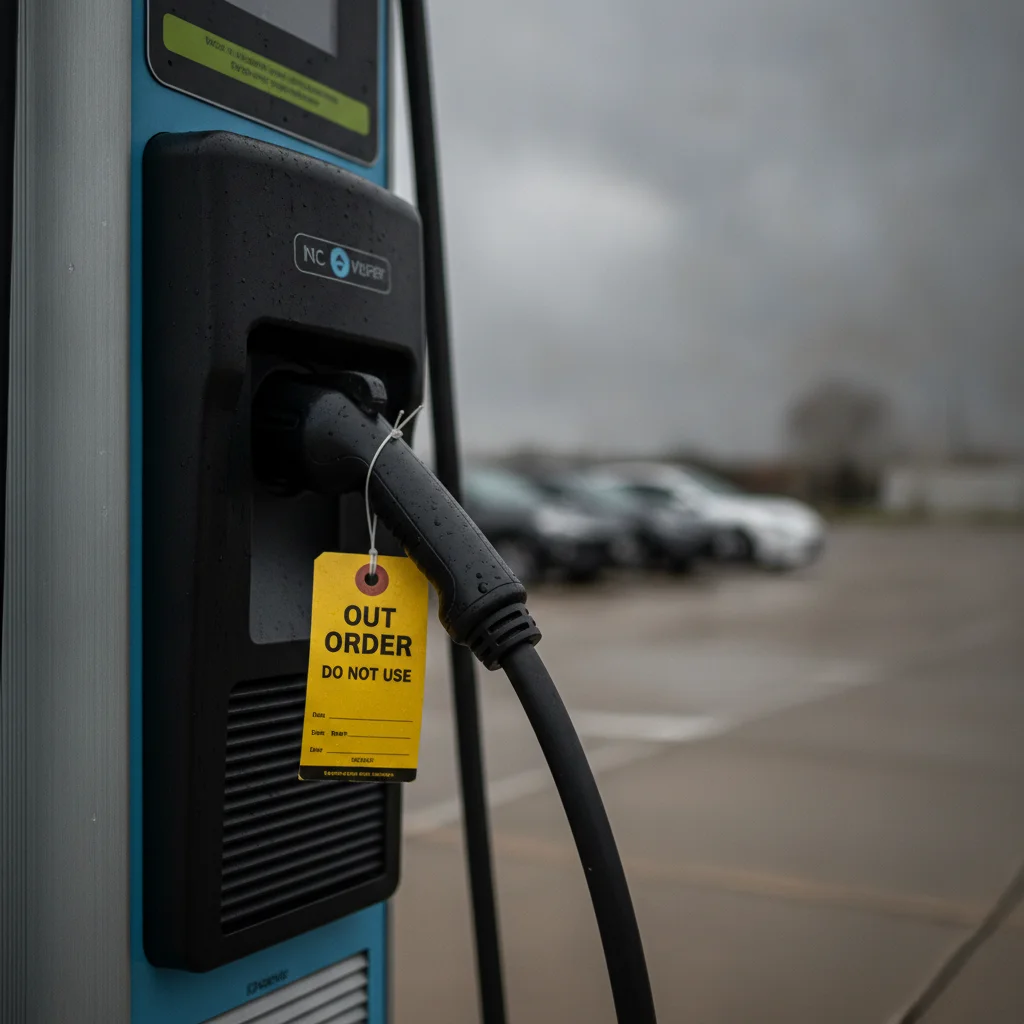
Public EV charging has expanded dramatically — the U.S. now has more than 170,000 public charging ports, according to the U.S. Department of Energy — but reliability hasn't kept pace with raw numbers. Studies from J.D. Power and independent researchers have consistently found that between 20 and 27 percent of DC fast charger sessions attempted by drivers result in a failed charge, whether from a hardware fault, payment system error, network outage, or cable damage.
That failure rate matters most on road trips, where a dead charger can leave you with insufficient range to reach the next viable stop. Unlike a gas station with eight pumps, many fast-charging corridors have only one or two working stalls at a location — and a single hardware failure cuts capacity in half instantly.
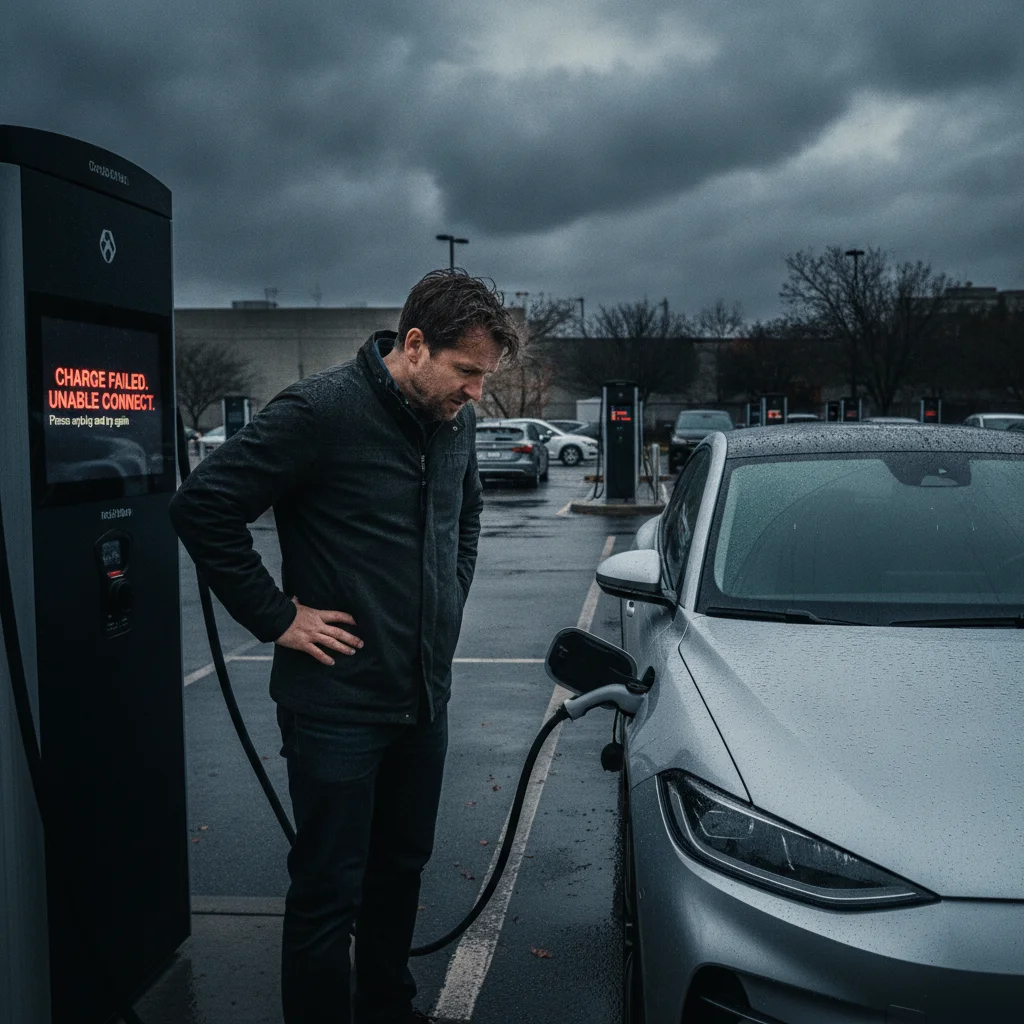
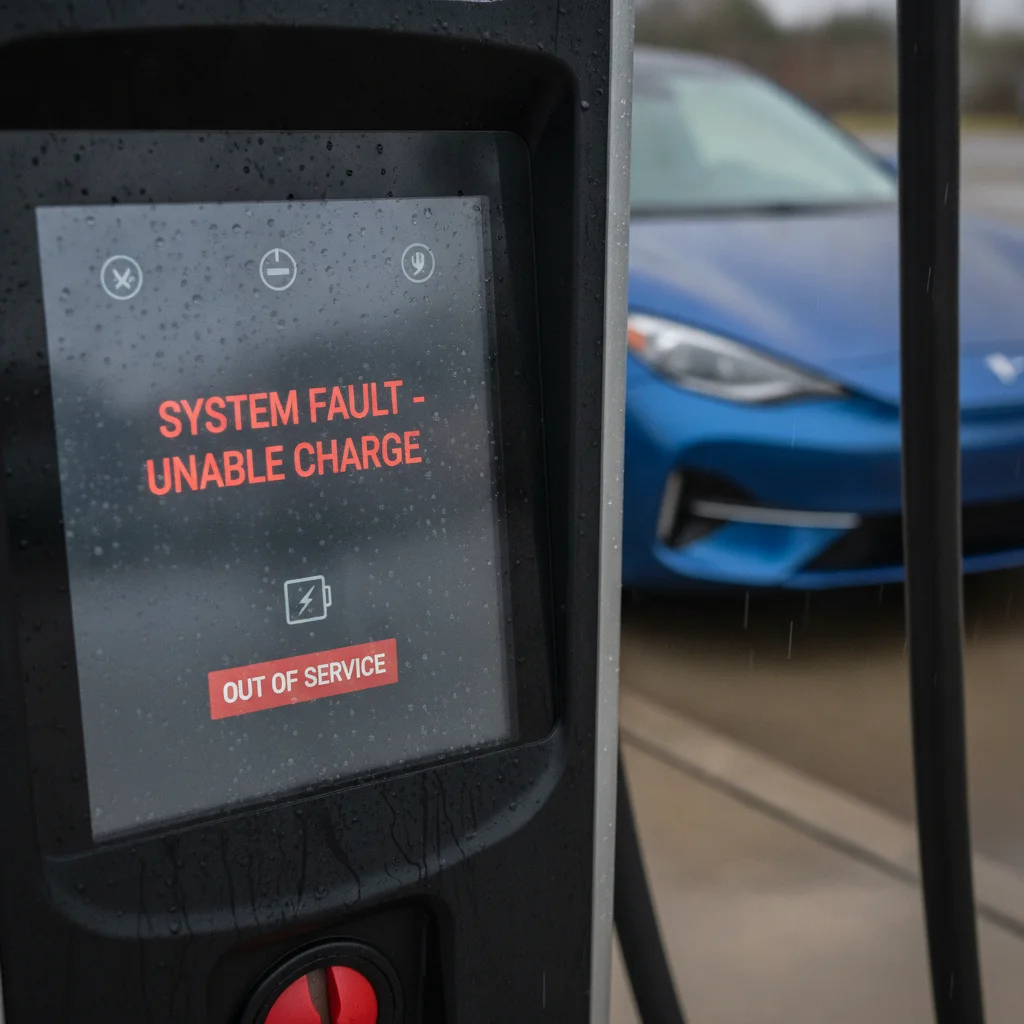
Understanding why chargers go offline in the first place helps you make smarter decisions about which stations to trust and which to treat as high-risk stops. But when you're already in the parking lot staring at a red error screen, you need a recovery sequence — not a root-cause analysis.
The steps below follow a logical triage order: attempt a fix at the unit itself, pivot to a nearby alternative, manage your remaining range strategically, and report the problem so the network can address it. Before you need them, it also pays to build the habits and tools that prevent the crisis from blindsiding you in the first place.
What You Need Before You Start
Recovery from a dead charger is fastest when you've done a little preparation before the trip begins. Think of it as charging insurance — a small upfront time investment that pays off the moment something goes wrong.
What you will need
PlugShare App
Provides real-time community check-ins and charger status updates more current than most network-reported data.
ABRP (A Better Route Planner)
Recalculates optimal routes to working chargers in real time when a planned stop fails, accounting for your vehicle's current state of charge.
Network-Specific Charging Apps
Allow session initiation, in-app troubleshooting, and direct customer support contact for each major charging network.
Roadside Assistance Membership or Coverage
Provides towing or mobile charging support if state of charge becomes critically low before reaching a working charger.
J1772 Adapter (for CCS/CHAdeMO vehicles)
Enables connection to Level 2 EVSE units as a fallback when DC fast chargers are unavailable, expanding your bridge-charging options.
Vehicle Manufacturer App
Provides access to manufacturer roadside assistance, remote vehicle state of charge monitoring, and in some cases navigation to certified charging locations.
If you're still building your pre-trip planning habits, mapping reliable DC fast chargers before departure gives you a systematic approach to identifying stations with the best uptime records and fallback options baked into your route.
Step-by-Step: Recovering When a Charger Fails
Work through these steps in order. Each one either resolves the problem at the current station or prepares you to move on safely to a backup location.
Attempt a Hard Reset at the Charger Unit
Before assuming the charger is fully dead, try the simplest fix: unplug the charging cable completely, wait 30 seconds, and plug back in. Many charging errors are transient faults — a momentary communication dropout between the vehicle and the station that clears on reconnection.
If the unit has a physical reset button (usually a small button near the screen or on the side of the unit), press and hold it for 5–10 seconds. On some Electrify America and EVgo units, navigating to a "Start New Session" option on the touchscreen also resets the handshake process.
Call the Network's Customer Support Line
Every major charging network posts a toll-free support number directly on the charger unit — usually on a sticker near the screen or payment terminal. Call it. Network support agents can see real-time diagnostics on the unit and can often remotely restart a session, override a payment authorization error, or confirm whether the hardware is genuinely down.
Support lines to save in your phone before trips:
- Electrify America: 1-833-632-2778
- EVgo: 1-877-494-3833
- ChargePoint: 1-888-758-4389
- Blink: 1-888-998-2546
- Tesla Supercharger: Available via the Tesla app's "Get Help" feature or 1-877-798-3752
Have your app account email, the station ID (printed on the unit), and the stall number ready when you call — agents need all three to pull up diagnostics quickly.
Check Real-Time Status Apps for Nearby Alternatives
While you're waiting on hold or after confirming the unit is genuinely down, open PlugShare, ABRP, or your vehicle's built-in navigation to identify the nearest working chargers. Filter by connector type and charging speed appropriate for your vehicle.
In PlugShare, look at check-ins from the last 2–3 hours rather than just the map pin — recent user check-ins with comments like "working fine" or "port 2 offline" are more reliable than network-reported status alone, which can lag reality by 15–30 minutes.
Identify your top two alternatives and note the distance and estimated range cost to reach each one before you dismiss the current station completely.
Use a Level 2 Charger as a Temporary Bridge
If no DC fast charger alternatives are within comfortable range, look for any available Level 2 EVSE within a few miles — hotels, parking garages, shopping centers, and destination chargers on ChargePoint or Blink are widely distributed even in areas with sparse fast-charging coverage.
A typical Level 2 charger delivers 10–30 miles of range per hour of charging. Even 30–45 minutes on a Level 2 unit while you reassess your route can add 10–20 miles of buffer — often enough to comfortably reach a working fast charger further down your route.
Use the ChargePoint or PlugShare map filtered to "Level 2" to find nearby options. Many are free or low-cost at retail destinations.
Contact Roadside Assistance If You're Stranded
If your state of charge is critically low (below 10–15%) and no viable charging option is within reach, contact roadside assistance immediately. Do not wait until you run completely flat.
Several roadside assistance options apply to EV drivers:
- Your vehicle manufacturer's roadside program: Tesla, Rivian, Ford, GM, Hyundai/Kia, and most other EV manufacturers include roadside assistance with new vehicles. These programs can arrange a flatbed tow to the nearest working charger.
- AAA: AAA offers a mobile charging truck in select markets that can provide a partial charge on-site. Coverage varies significantly by region — check your local AAA for availability.
- Your auto insurance policy: Many comprehensive auto insurance policies include roadside assistance as a rider. Check your policy or call your insurer before a trip to confirm EV-specific coverage.
When calling, specify that you are driving an electric vehicle and provide your exact location, current state of charge percentage, and your vehicle's make and model. This helps dispatch appropriate equipment rather than a standard fuel delivery truck.
Document the Failed Station and Report It
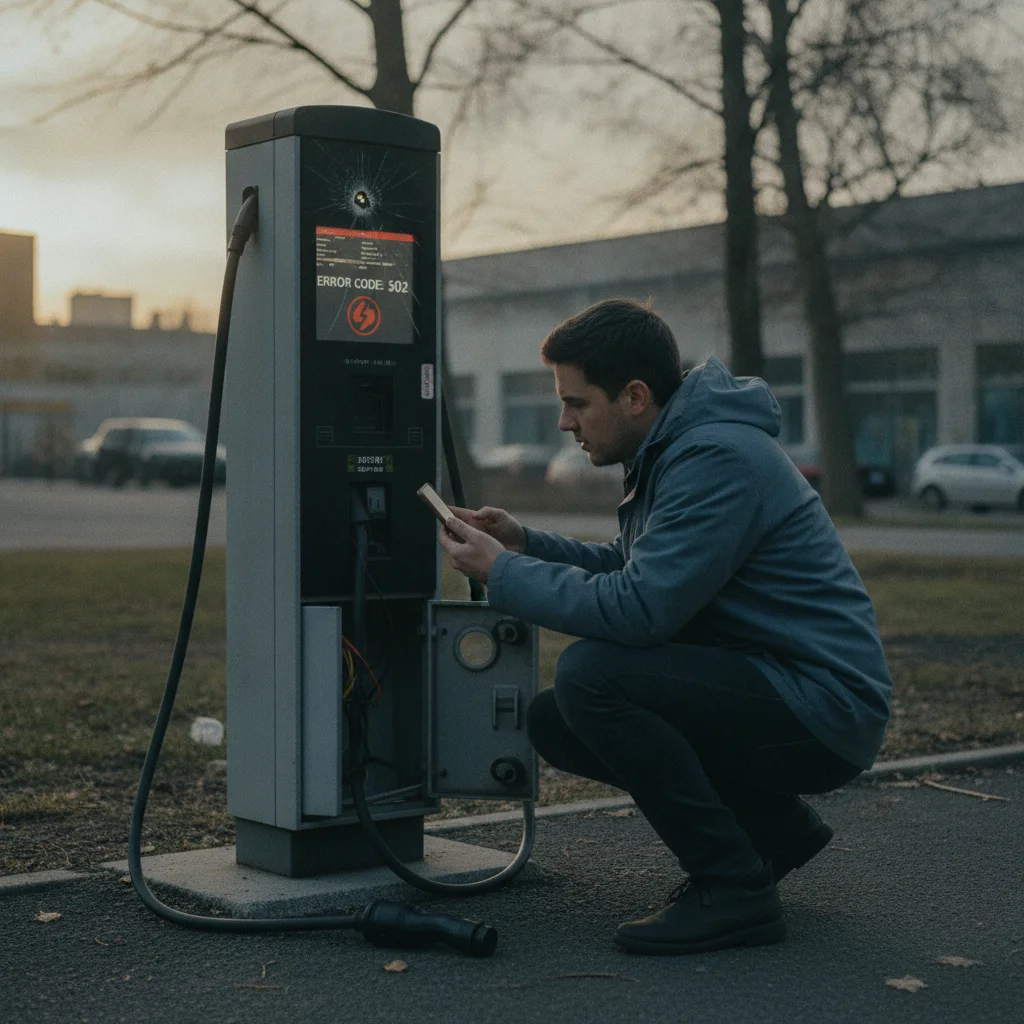
Before leaving the failed station — or immediately after you're safely charging elsewhere — document the failure and report it through every available channel. Take a photo of the error message on the screen and note the station ID, stall number, and time.
Report through: the network's own app ("Report a Problem" feature), a PlugShare check-in with a description of the fault, and if applicable, a call to the network support line if you didn't already do so in Step 2.
Community-sourced reliability data on platforms like PlugShare directly influences which stations route planners like ABRP recommend — your report contributes to a feedback loop that helps other drivers avoid the same experience.
Once you've stabilized your situation — either charging successfully at an alternative station or en route with a safe buffer — it's worth thinking about how this experience can inform your planning going forward. First-time public charger mistakes often share roots with dead-charger encounters: skipped app setup, single-station planning, and unfamiliarity with the fallback options covered here.
Managing Range While You Recover
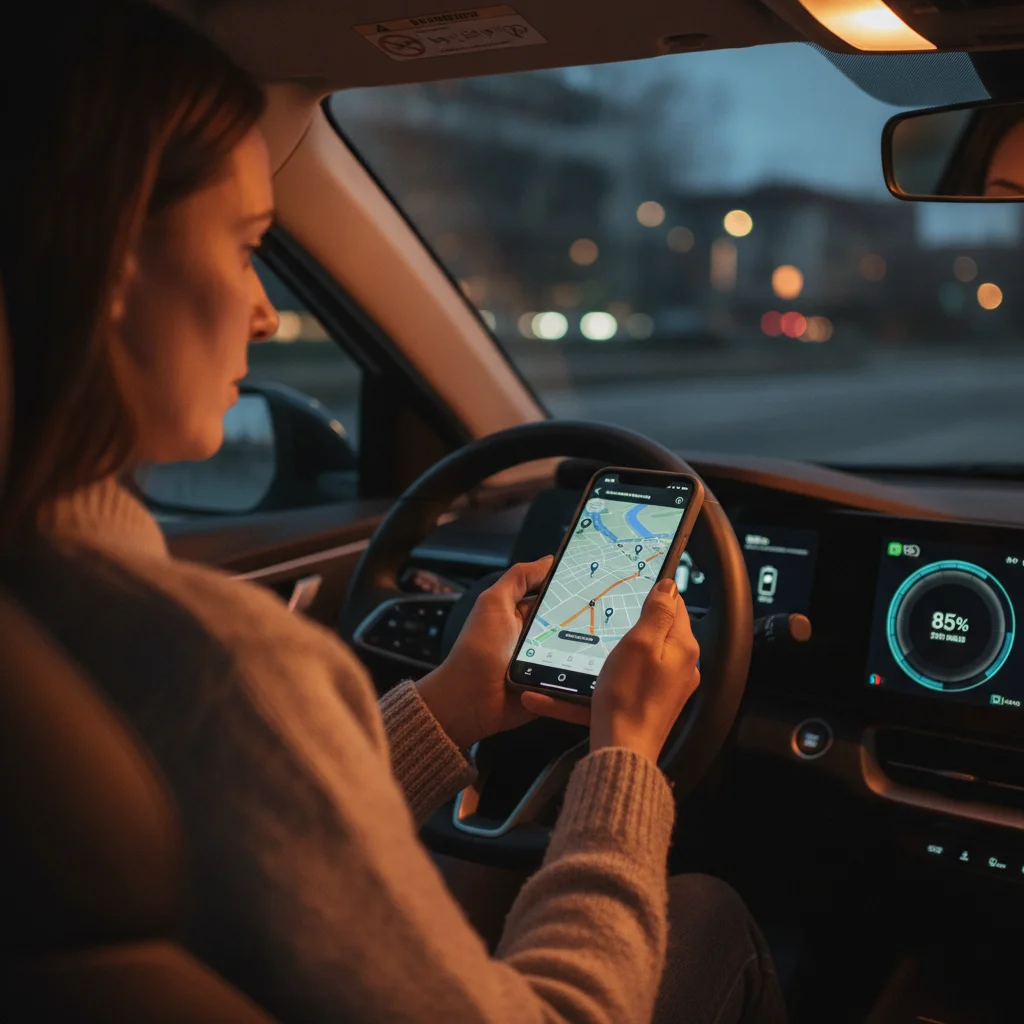
Range anxiety intensifies the moment a charger fails, which is exactly when clear-headed math matters most. Here's how to think about your buffer systematically.
Know Your Real-World Usable Range
Manufacturer EPA range estimates are measured under controlled conditions. Real-world range varies by 10–30% depending on speed, temperature, climate system use, and load. If your vehicle shows 80 miles of estimated range remaining, budget for closer to 60–65 miles of usable distance before you're in a genuinely uncomfortable position — particularly in cold weather, where battery efficiency can drop 20–40%.
Calculate the Range Cost of Detours
Highway speeds above 70 mph increase energy consumption significantly compared to urban driving. A 15-mile detour to a backup charger at highway speeds might cost 20–22 miles of range — factor this in before committing to a route change.
Use Eco Mode and Reduce Speed
Engaging your vehicle's Eco or Range mode reduces climate system output and throttle response to extend range. Dropping highway speed from 75 mph to 65 mph can increase efficiency by 10–15%, recovering meaningful miles when every percentage point counts.
Eco Mode Can Extend Your Range Meaningfully
Activating Eco or Range mode on most EVs reduces HVAC output and limits peak power draw, extending range by 10–20% in some conditions. On a cold-weather detour to a backup charger, this can make the difference between arriving safely or not. Pair it with a modest speed reduction for maximum effect.
Pre-Save Network Support Numbers Before You Leave
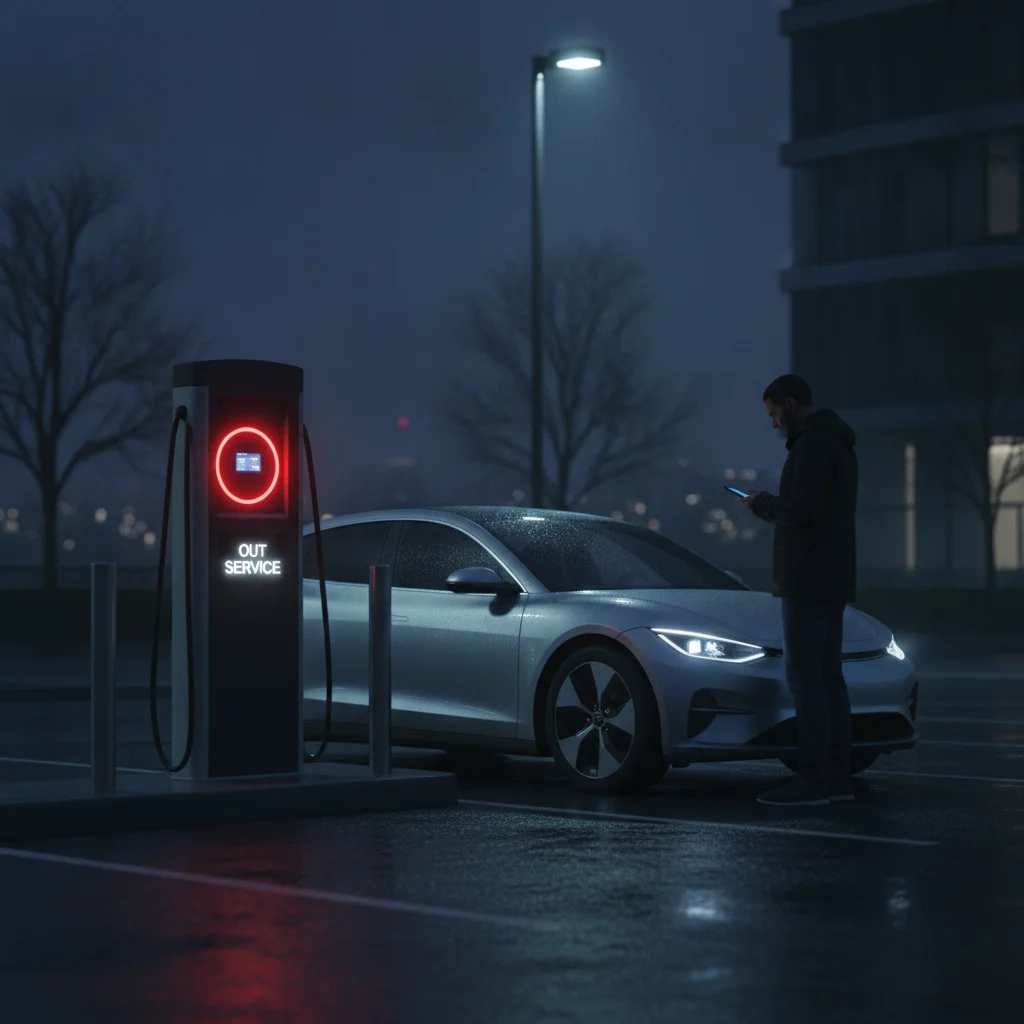
Dead chargers tend to happen at inconvenient moments — late at night, in poor weather, or in areas with weak cell signal. Having support numbers already saved in your contacts means you can reach help without needing a reliable data connection to look them up. Add all networks relevant to your route, not just your primary.
Log Backup Stations in Navigation Before Each Leg
Rather than searching for alternatives on the fly when a charger fails, identify and save your backup station before you depart each stop. Having a destination already loaded in navigation eliminates decision lag when you're stressed and short on range — you simply select the backup and go.
Don't Chase Range at the Expense of Safety
If your state of charge drops below 10–15% with no confirmed charging option within range, call roadside assistance immediately rather than pressing further. Being towed to a charger is a minor inconvenience. Running completely flat on an interstate is a safety event.
Don't Drain Below 10% Searching for a Charger
Driving to the edge of your battery's range in search of a working charger is one of the highest-risk decisions an EV driver can make. If you reach 10% state of charge with no confirmed working charger within comfortable range, stop and call roadside assistance. The cost and inconvenience of a tow are far lower than being stranded on a highway.
Weather Significantly Reduces Usable Range
Cold temperatures can reduce effective EV range by 20–40%, and running the cabin heater at highway speeds compounds that loss further. Always recalculate your range assumptions based on current conditions, not the EPA estimate. A 250-mile EPA-rated vehicle may have 160–170 miles of real-world range on a cold winter highway.
Reporting the Failed Charger — and Why It Matters
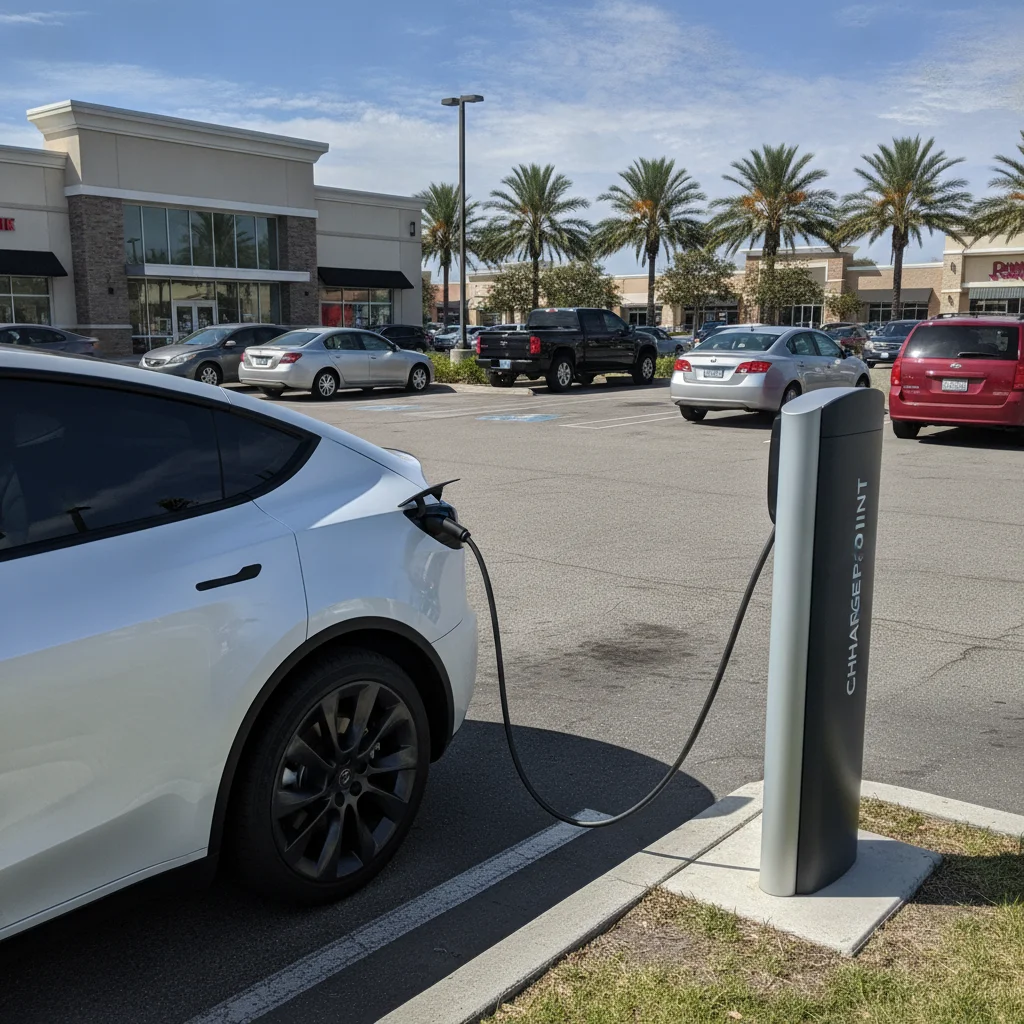
Once you're safely charging at an alternative location, spend two minutes reporting the broken station. This step costs almost nothing and benefits every EV driver who would otherwise make the same frustrating discovery.
How to Report
- In-app reporting: Most network apps (Electrify America, EVgo, ChargePoint, Blink) have a "Report a Problem" or "Flag Station" feature directly in the station detail screen. Use it. Network operations centers monitor these reports and prioritize dispatch accordingly.
- PlugShare community flag: PlugShare's check-in system lets you mark a station as having a problem and leave a comment. Real-time flags from multiple users are one of the fastest ways the broader community learns about outages.
- Direct network phone line: If the outage appears severe — visible physical damage, sparking, or a unit that's clearly been vandalized — call the network's support line rather than using only an app report. Human escalation gets a technician dispatched faster for serious faults.
What to Include in Your Report
A useful report includes: the specific stall number (usually printed on the unit), the error message displayed, whether you attempted multiple cables, the approximate time of the failure, and your vehicle type. Networks use this data to diagnose hardware faults remotely and to identify recurring problem units.
Charging costs are another downstream consideration when disruptions force longer detours or slower Level 2 top-ups mid-trip. If you're tracking the financial side of your road trip, estimating and managing road-trip charging costs gives you the frameworks to budget accurately even when your route changes.
Building a Habit: Prevention Is Faster Than Recovery
The best dead-charger recovery is the one you never need. A handful of consistent habits sharply reduce the probability of being caught flat-footed at a non-functional station.
Check Real-Time Status Before You Leave Each Stop
Apps like PlugShare, ABRP (A Better Route Planner), and network-specific apps show live charger availability pulled from network telemetry and community check-ins. Checking status 20–30 minutes before you arrive — while you still have options — is the single most effective prevention tactic.
Always Plan a Primary and a Backup Station
Before departing any location, identify your target charger and at least one backup within 15–20 miles. Log both in your navigation. If you arrive at your primary and it's down, you route to the backup without any on-the-fly searching under stress.
Prefer High-Stall-Count Locations When Possible
A Tesla Supercharger location with 12 stalls is far less likely to leave you without a working plug than a 2-stall third-party fast charger. When route options exist, favor high-stall-count stations from networks with better reliability track records. PlugShare reviews and check-in histories give a reasonable proxy for a station's uptime reliability.
Keep Your Network Memberships and Payment Methods Current
Payment authorization failures are one of the leading causes of apparent "charger failures" that are actually user-side issues. Make sure your app accounts are active, credit cards on file haven't expired, and RFID cards (if your network uses them) are linked to your account. Common public charger mistakes digs into exactly these account-setup oversights that trip up new and experienced EV drivers alike.
Always Have a Backup Station Planned
Single-point-of-failure charging plans are the most common cause of genuinely stressful dead-charger encounters. Before every road trip departure and before leaving each charging stop, identify both a primary and a secondary charging station for your next leg. This two-station habit eliminates most charging emergencies before they start. The extra 60 seconds of planning is the cheapest insurance in EV ownership.
Expired Payment Methods Cause Many 'Failed' Sessions
A significant share of charging sessions that appear to fail are actually payment authorization errors on the driver's side — expired credit cards, lapsed memberships, or unverified accounts. Before a road trip, log into every charging network app you plan to use, confirm your payment method is current, and initiate a test session if possible. This one pre-trip check eliminates an entire category of apparent charger failures.
For those who charge primarily at home and use public infrastructure only occasionally, the pressure of a failed public charger is lower — but the unfamiliarity with recovery options is higher. If you're evaluating whether upgrading your home charging setup might reduce your dependence on public infrastructure for daily needs, that's worth considering as part of your overall EV ownership strategy.
All claims are backed by peer-reviewed research. Sources on request.