Key Takeaways
Why Service Records Matter More Than Most Sellers Realize
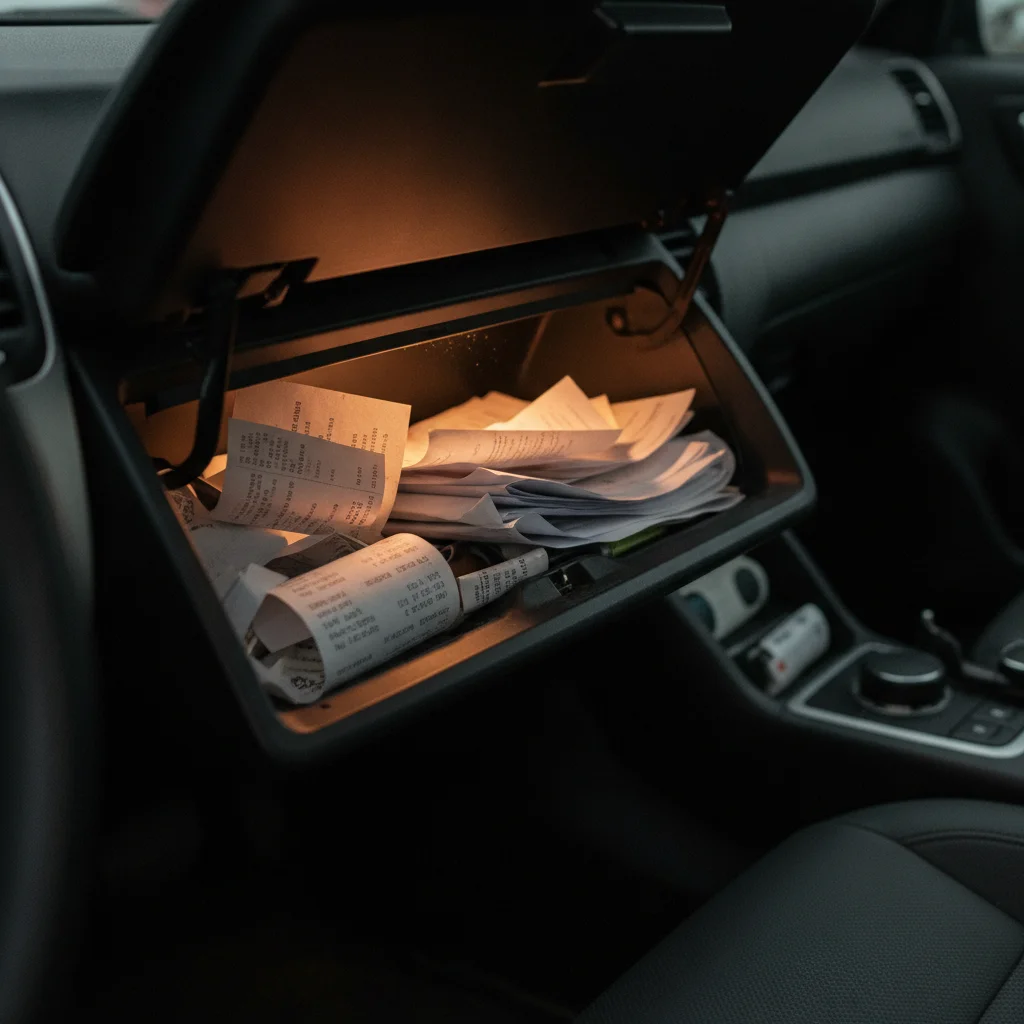
Most private sellers focus almost entirely on cleaning, photos, and pricing when preparing a listing. Service records tend to be an afterthought — tucked into a glove box, scattered across email inboxes, or simply forgotten. That's a real missed opportunity.
Buyers — especially savvy ones — are essentially being asked to trust a stranger with a significant purchase. A vehicle with a documented maintenance history gives them something concrete to evaluate rather than just your word. It shifts the conversation from "I think this car is reliable" to "here's the evidence."
The financial case is equally strong. As explained in service records as a depreciation buffer, a complete maintenance file can command a measurable premium by signaling lower risk to buyers. For dealers specifically, the right paperwork changes how your car is assessed — see documentation that strengthens your trade-in position for how that plays out at the negotiating table.
The good news: pulling your records together is one of the most cost-effective things you can do before listing. It doesn't require any money — just a little time and a systematic approach. The steps below will walk you through the entire process.
What You'll Need Before You Start
Before you begin gathering documents, take a few minutes to round up everything you'll need to access your records efficiently. Having these on hand will prevent multiple trips to find the same information.
What you will need
If you've owned the vehicle for a long time, some of this information may need to be dug out of old email folders or physical files. That's normal — just take it one source at a time rather than trying to reconstruct everything in one sitting.
Three-ring binder or accordion folder
Organizes physical receipts and invoices chronologically for easy review by buyers.
Scanner app (e.g., Adobe Scan, Apple Notes scan, Microsoft Lens)
Creates digital copies of paper receipts so you have a backup and can share records electronically.
Cloud storage account (Google Drive, Dropbox, or iCloud)
Stores and shares digital copies of your service records with remote or out-of-area buyers.
Vehicle history report (Carfax or AutoCheck)
Reveals what third-party databases already show about your vehicle's service and ownership history.
Manufacturer owner portal login
Lets you retrieve digitally logged service visits, especially warranty-period work at dealerships.
Step-by-Step: Compiling and Presenting Your Service History
Follow these steps in order. Each one builds on the last, so by the time you reach the end, you'll have a polished, buyer-ready maintenance file rather than a pile of loose receipts.
Pull together everything you already have
Start by gathering every piece of maintenance documentation you can find without making any calls or requests. Check the glovebox, the center console, any home filing systems, and your email inbox (search for your dealership name, common service chains like Jiffy Lube or Firestone, or keywords like "oil change invoice" or "service receipt").
Don't edit or discard anything yet — just collect. Throw it all in one pile, physical and digital. You'll sort and evaluate in the next step.
Sort records chronologically and identify gaps
Once you have everything in one place, arrange records in chronological order from oldest to most recent. For each record, note the date, mileage (if listed), and what service was performed.
As you sort, look for obvious gaps — long stretches of time or high mileage jumps between entries. These are the gaps you'll try to fill in the following steps. Don't worry if there are some; identifying them now is far better than a buyer pointing them out during a showing.
Contact shops and dealers to recover missing records
For each gap in your timeline, try to identify which shop you likely used during that period and call or email their service department. Provide your VIN and the approximate date range. Most shops keep records for at least three to five years, and many will email you a PDF summary at no charge.
For dealership warranty work, log into the manufacturer's owner portal — this is often the fastest way to retrieve records from the first few years of ownership, since most warranty visits are logged centrally by the automaker.
Run a third-party vehicle history report
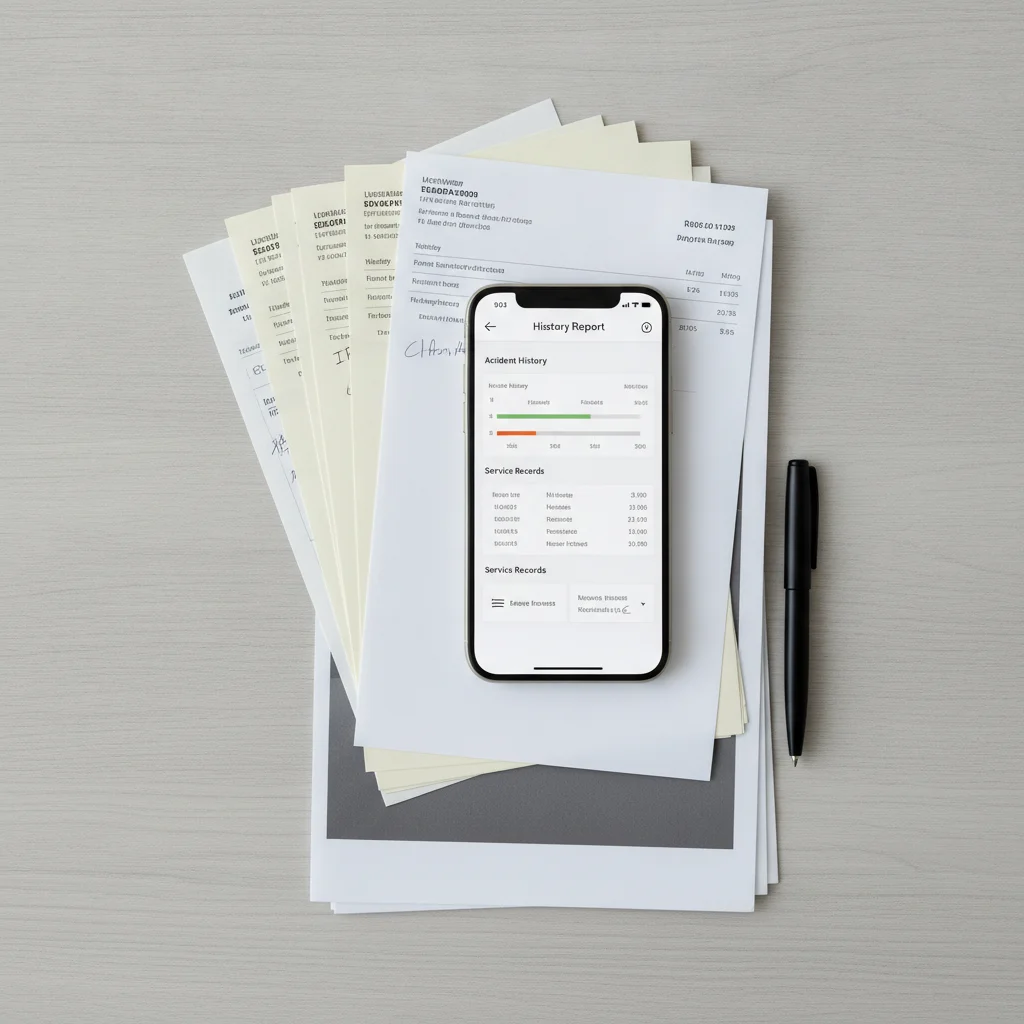
Before finalizing your file, run a Carfax or AutoCheck report on your VIN. This costs between $20 and $40 and reveals what data sources — including some national shop networks, insurance records, and state inspection databases — have on file for your car.
Review the report carefully. Note any services listed that you don't have in your own file (you can reference these in your summary even if you don't have the original receipt). Also check for anything unexpected — an accident you weren't aware of, or a mileage discrepancy — so you're not caught off guard.
Create a clean summary sheet
Buyers shouldn't have to dig through a folder of receipts to understand your car's history. Create a one-page summary — either typed or neatly handwritten — that lists the major service milestones in plain language.
A simple format works well:
- Date / Mileage: Oil change — [shop name]
- Date / Mileage: Brake pads replaced (front) — [shop name]
- Date / Mileage: Timing belt and water pump — [shop name]
Keep it factual and specific. This summary becomes the first page of your physical folder and the basis for the service history section of your listing description.
Organize physical records into a presentation-ready folder
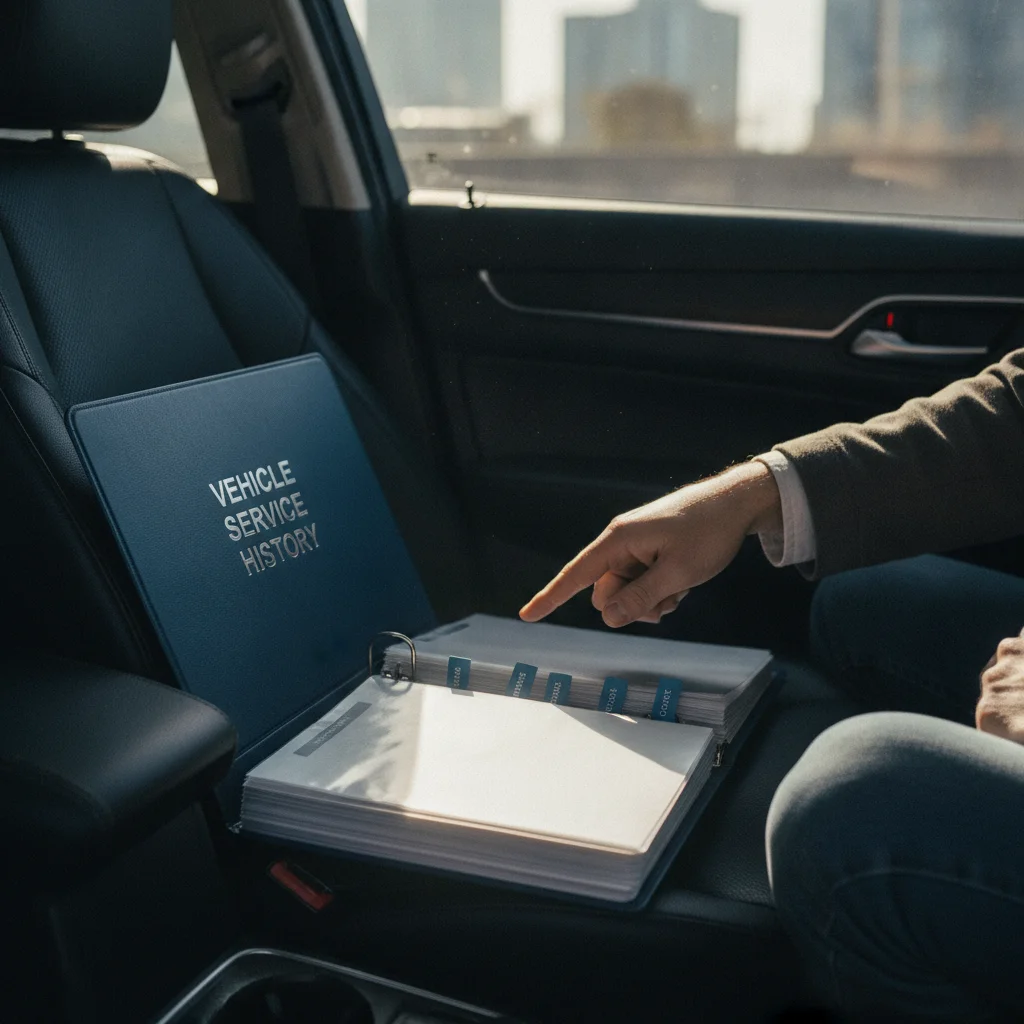
Place your summary sheet at the front of a clean binder or accordion folder. Behind it, arrange original receipts and invoices in the same chronological order as the summary. If you have both physical and digital versions of a record, include both — the original for authenticity and a scan as a backup.
Label any sections that might be confusing (for example, a section for "dealer records" versus "independent shop records") so a buyer can navigate the file without your help during their own review.
Scan and digitize for online sharing
Use a scanner app on your phone to create clear, legible PDFs of each document. Combine them into a single PDF or a clearly labeled folder in cloud storage. Test the share link to confirm it works before including it in your listing.
Label the shared folder clearly — something like "[Year Make Model] — Service Records" — so it looks professional and organized when a buyer opens it for the first time.

What to Do When Records Are Incomplete or Missing
Not everyone keeps meticulous records, and that's okay. A partial history is still valuable — and there are legitimate ways to fill in gaps before your listing goes live.
Check your manufacturer's portal. Most automakers maintain a digital service history tied to your VIN, especially for warranty-period work. Log in to your account on the manufacturer's website and look for a "service history" or "my vehicles" section. This often captures dealer visits you may have forgotten about.
Call former service providers. Independent shops and dealership service departments typically keep records for several years. A phone call with your VIN in hand can often turn up invoices you no longer have copies of. Ask them to email you a summary or PDF of your account history.
Check your credit card and bank statements. While these don't describe the work performed, they can confirm dates and amounts — which helps establish a timeline even when the detailed invoices are gone.
Use third-party vehicle history reports. Services like Carfax or AutoCheck pull from a wide range of sources, including some shop networks and insurance claims. Run a report on your own VIN before listing so you know exactly what buyers will see. You can reference this report in your listing as a transparency signal even if your personal records have gaps.
Don't Overstate or Fabricate Service History
It's tempting to round up mileage intervals or describe work as "recently done" when it was actually several years ago. Buyers who are mechanically inclined will often spot inconsistencies, and any misrepresentation discovered during a pre-purchase inspection can collapse a deal instantly — or expose you to legal liability after the sale. Be accurate, and if something isn't documented, say so plainly rather than guessing.
If your records are genuinely sparse, don't try to hide it. A brief, honest note in your listing — something like "I have partial service records from 2019 onward; the vehicle was maintained regularly before that but I don't have documentation" — is far better than having a buyer discover the gap during their own due diligence. For a deeper look at how missing records affect perceived value and what you can do about it, see how service records affect perceived value.
Presenting Your Records to Buyers
Gathering your records is only half the job. How you present them shapes the impression they make. A disorganized stack of crumpled receipts technically contains the same information as a neatly organized folder — but they communicate very different things about how the car was cared for.
In your listing: Mention service records prominently in the description, not buried at the end. "Full service history available" or "documented oil changes and major services since purchase" draws attention and filters for serious buyers. If you have a particularly notable entry — a recent timing belt replacement, new brakes, or fresh tires — call it out by name and mileage.
At the showing: Have a physical folder ready, with records organized chronologically so buyers can flip through without hunting. A simple cover sheet summarizing key services and mileages at the front goes a long way. This level of preparation signals that you're a conscientious owner, which reinforces trust in everything else you've said about the car.
Digitally: Some sellers photograph or scan every receipt and share a Google Drive or Dropbox link in the listing. This works especially well for out-of-area buyers or anyone conducting initial research remotely. Just make sure the scans are legible — blurry photos of faded receipts create more doubt than confidence.
Make Your Records Easy to Share Digitally
Many serious buyers will ask to review records before they ever come to see the car in person. Having a shareable cloud folder ready to send at a moment's notice can meaningfully increase the number of qualified inquiries you receive. It also signals that you're an organized, transparent seller — which softens price negotiations before they even start.
Highlight Recent Major Services in Your Listing
Buyers prioritize certain services above all others when evaluating used vehicles: timing belt or chain service, brake replacement, tire age, and coolant or transmission fluid changes. If your records show recent completion of any of these, mention them specifically in your listing headline or the opening lines of your description. These details are what convert a casual viewer into a serious inquiry.
For context on the full set of documents you should be assembling alongside your service records, every document you need before listing your car for sale covers the complete picture — title, bill of sale, and more.
Building Better Habits for Your Next Vehicle
Once you've gone through this process, you'll likely wish you'd started it years ago. The good news is that maintaining a service file going forward takes almost no effort if you build a simple habit: file every receipt the day you receive it, whether physical or digital.
A dedicated folder in your email labeled by vehicle, or a small binder in the glovebox, is all it takes. If you prefer a more structured approach, keeping your service records and why it pays off when you sell walks through practical systems for staying organized from day one.
The payoff isn't just at resale. A well-maintained record helps you track what's been done and what's coming due, so you never miss a service interval or accidentally repeat one. It's useful for warranty claims, insurance questions, and even diagnosing recurring problems with your mechanic.
For a broader view of what routine maintenance looks like and how to stay on top of scheduled service intervals, the routine servicing hub is a good reference to bookmark. Good documentation starts with consistent maintenance — and consistent maintenance starts with knowing what's due.
Your VIN Is the Key to Everything
Every records-recovery step in this process — from manufacturer portals to third-party history reports to dealer service departments — depends on your VIN. Before you start, confirm you have the correct 17-character VIN from your dashboard or registration. An incorrect digit can return no results and make it look like a vehicle has no history at all, which is both frustrating and avoidable.

All claims are backed by peer-reviewed research. Sources on request.