
Key Takeaways
Why Your Charging Schedule Is a Financial Decision
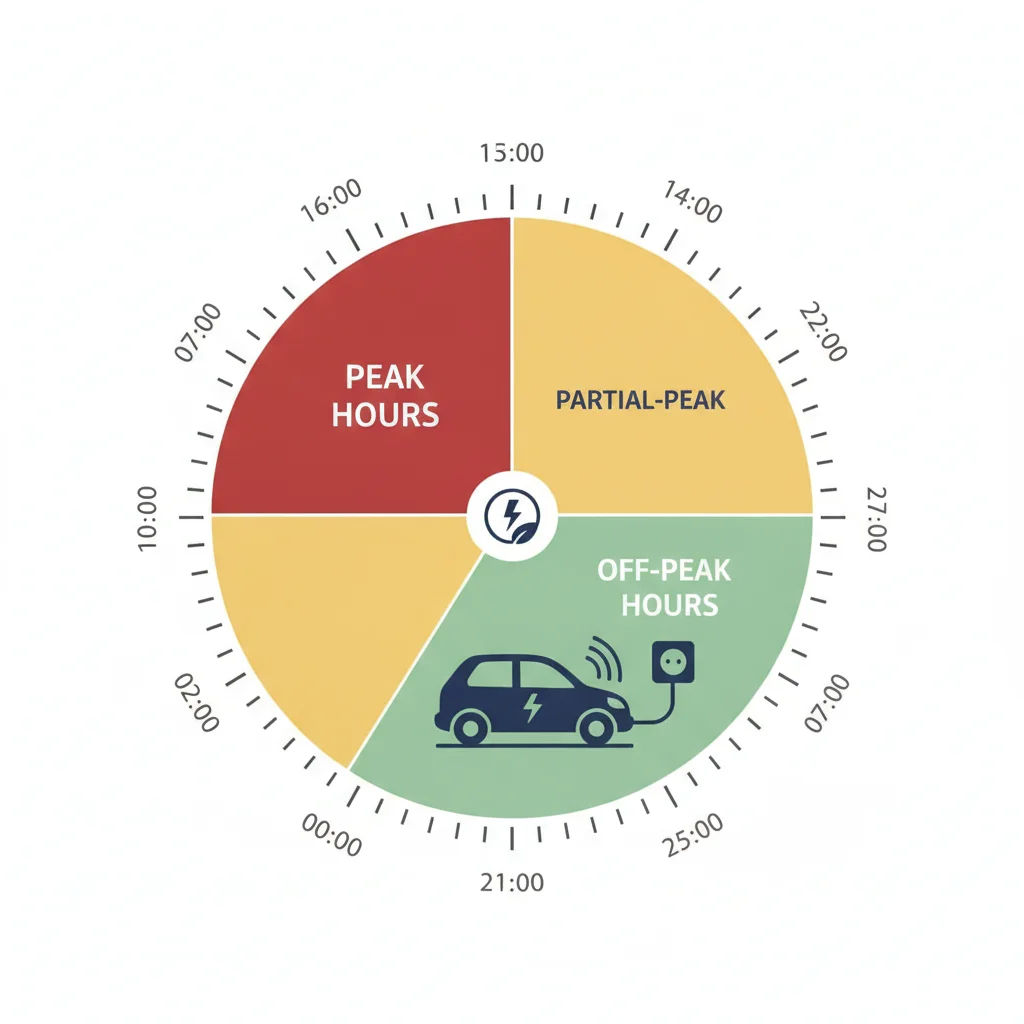
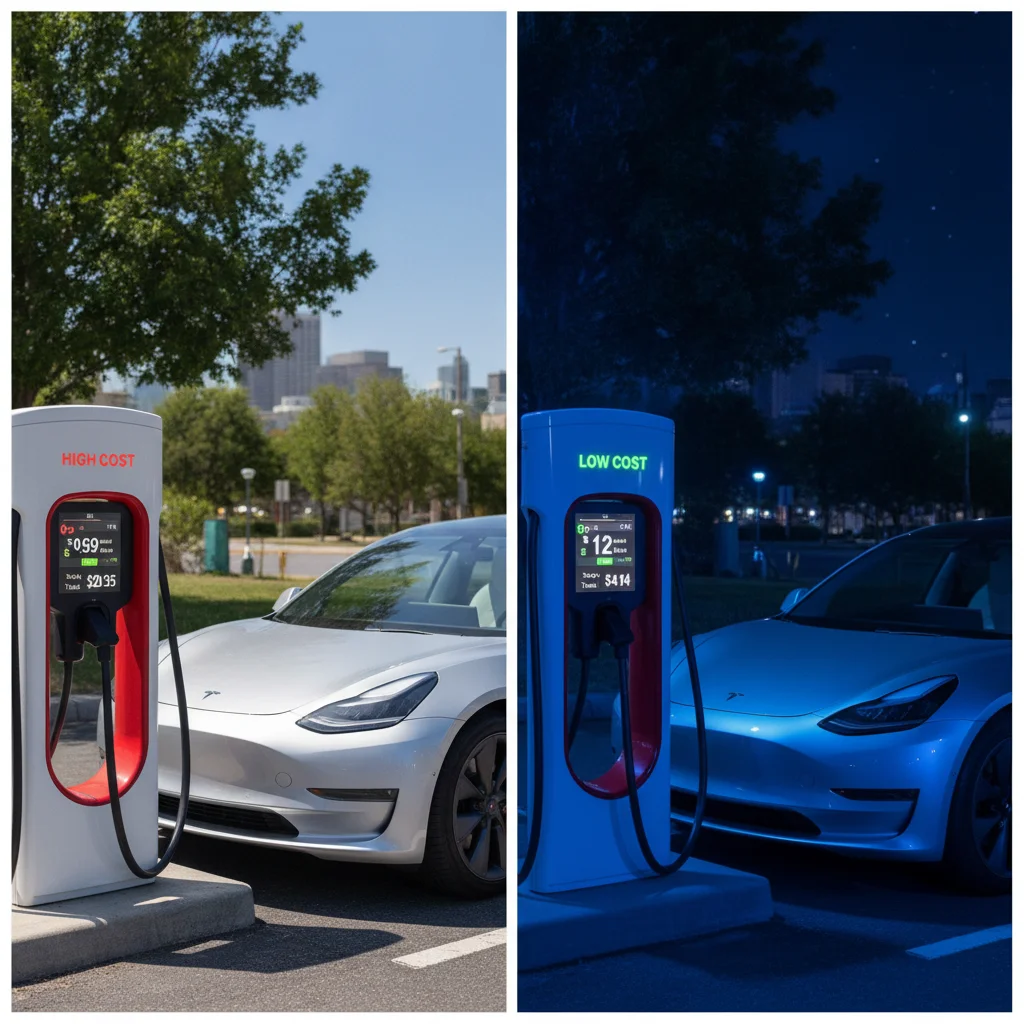
Electricity pricing is not flat. For the vast majority of U.S. utility customers, the rate you pay per kilowatt-hour fluctuates throughout the day based on grid demand — a billing model called time-of-use (TOU) pricing. Peak hours, typically late afternoon through early evening (often 4 p.m.–9 p.m.), can cost anywhere from 25 to 45 cents per kWh in high-demand markets like California. Off-peak windows — typically overnight between 11 p.m. and 7 a.m. — frequently drop to 9–16 cents per kWh under the same utility plan.
For an EV with a 75 kWh battery pack that you replenish roughly 20% per day (15 kWh), that difference translates to real money:
| Rate Period | Rate ($/kWh) | Daily Cost (15 kWh) | Monthly Cost |
|---|---|---|---|
| Peak | $0.35 | $5.25 | ~$157 |
| Off-Peak | $0.12 | $1.80 | ~$54 |
That is a $103/month swing — more than $1,200 per year — simply by changing the hours during which you charge. Yet a 2023 survey by the Edison Electric Institute found that fewer than 40% of EV owners actively use scheduled charging. The rest are leaving serious money on the table.
Scheduled charging is also not just about cost. Lithium-ion battery chemistry benefits from charging at moderate temperatures and moderate rates. Because overnight temperatures are typically cooler, overnight charging naturally reduces thermal stress on the pack. And because Level 2 charging is slower than DC fast charging, it is gentler on cell chemistry — a point worth keeping in mind as you plan your daily routine.
If you want a deeper dive into maximizing every off-peak session beyond just scheduling, see practices that actually lower your bills. And if your household shares a charger between two EVs, charging etiquette for shared home setups covers how to coordinate schedules fairly.
What You Need Before You Start
Scheduled charging is straightforward, but it only works reliably if you have the right infrastructure and utility plan already in place. Before working through the steps below, confirm you have everything on the following list.
What you will need
EV Manufacturer Smartphone App
Used to set departure times, charge limits, and recurring schedules directly from your phone.
Level 2 EVSE with Smart Scheduling
Provides an alternative or backup scheduling interface independent of the vehicle, useful when car-side scheduling is unavailable.
Utility Online Portal or App
Used to confirm current TOU rate windows, view hourly consumption data, and verify that charging sessions fall within off-peak hours.
Smart Home Energy Monitor (e.g., Sense, Emporia Vue)
Provides real-time circuit-level monitoring to verify charging session timing and track monthly EV energy consumption independently.
If you are still evaluating your home charging hardware or haven't yet installed a Level 2 unit, the home charging setup hub is the right starting point. For most drivers, a 32–48 amp Level 2 EVSE is the practical minimum for overnight scheduled charging — a standard 120V outlet simply charges too slowly to reliably top off a large-pack EV within a narrow off-peak window.
Don't Enroll in TOU Without Checking All Devices
Switching to a TOU rate plan affects every appliance in your home, not just your EV. If you routinely run a dishwasher, electric dryer, or pool pump during peak hours, your overall bill could increase even as your EV charging costs drop. Before enrolling, use your utility's online TOU calculator to model your full household load against the new rate structure.
Step-by-Step: Setting Up Your Smart Charging Schedule
The exact menus and labels differ between vehicle brands and charger manufacturers, but the underlying logic is identical across all platforms: tell the system when to start, what charge level to target, and — ideally — when you need the car ready. Work through these steps in order, and you will have a working schedule configured within 30 minutes.
Confirm Your Utility's Off-Peak Hours
Log into your utility's online portal and navigate to your current rate plan details. Download or screenshot the time-of-use schedule showing exactly which hours are off-peak, partial-peak, and peak — and whether weekend hours differ from weekday hours. Write these times down; you will enter them into your vehicle or charger in a later step.
If you are not yet on a TOU plan, call your utility or visit their website to enroll. Many utilities allow instant online enrollment; others require a billing cycle to process the switch. Do not skip this step — without confirmed off-peak hours, every subsequent setting is a guess.
Open Your Vehicle's Charging Settings
Access your EV's charging schedule through one of two interfaces — the in-vehicle touchscreen or the manufacturer's smartphone app. Both typically expose identical settings:
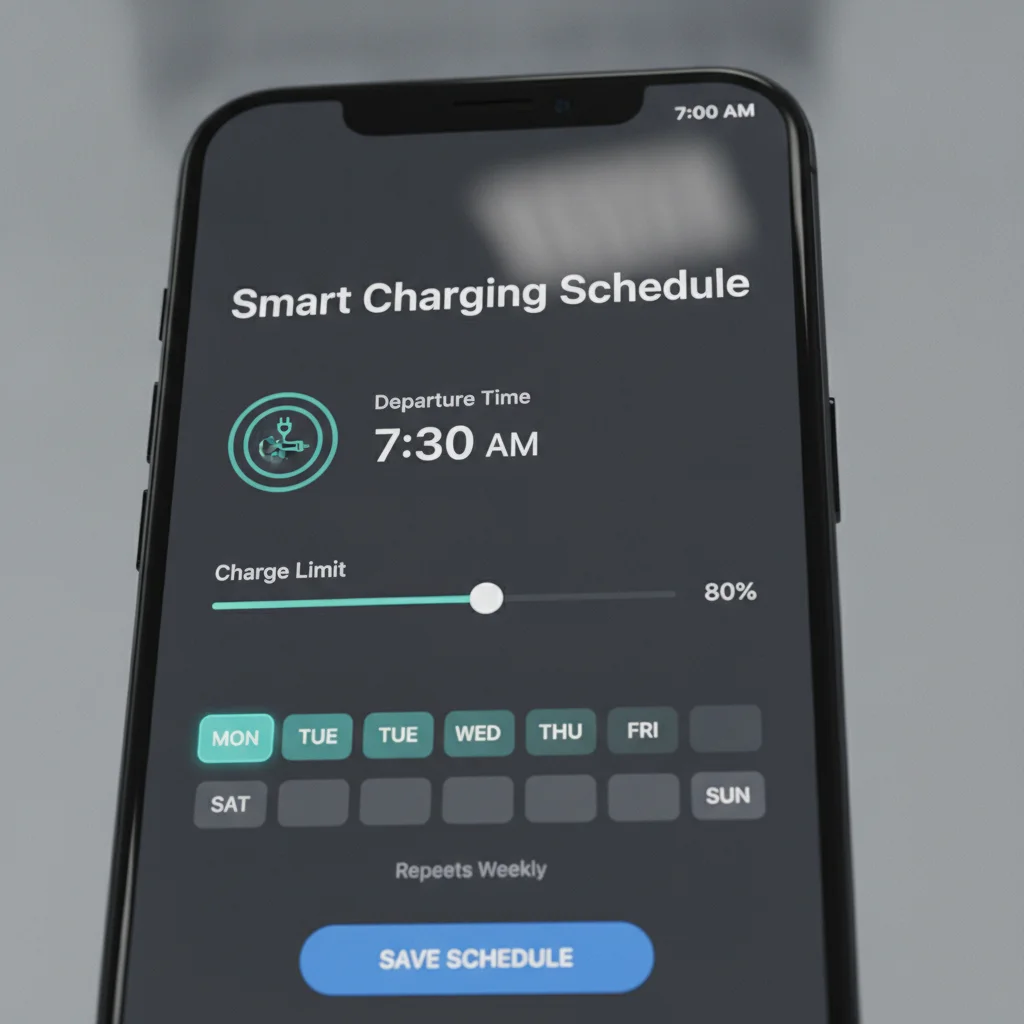
- Tesla: Tap the lightning bolt icon on the charge card → Schedule → set Departure time and charge limit.
- Chevrolet Bolt / Blazer EV: myChevrolet app → Charging → Charge Settings → Scheduled Charging.
- Hyundai IONIQ 5/6 / Kia EV6: Vehicle settings menu → Charging → Scheduled Charging → enter start time or departure time.
- Ford Mustang Mach-E / F-150 Lightning: FordPass app → Charging → Charge Scheduling → add schedule with departure time.
- Rivian R1T / R1S: Rivian app → Charging → Schedule → set departure time per day of week.
If your vehicle lacks a native scheduling function (some older or entry-level EVs do not), proceed to Step 3 and use your EVSE's app instead.
Set a Departure Time (Not Just a Start Time)
If your vehicle supports departure-time scheduling, use it. Enter the time you need the car ready — for example, 7:30 a.m. on weekdays. The vehicle's battery management system will calculate when to begin charging so the pack reaches your target charge level precisely at departure, warming the battery and cabin if applicable.
If your vehicle only supports a fixed start time, calculate manually: divide the kWh you typically need to add by your charger's output rate to estimate charging duration, then set the start time so the session ends 15–30 minutes before departure.
Example: You need to add 20 kWh. Your 32A Level 2 charger delivers roughly 7.7 kW. That requires approximately 2.6 hours of charging. If you leave at 7:00 a.m., set the start time to no earlier than 4:15 a.m. — within your off-peak window.
Set Your Daily Charge Limit
Within the same scheduling menu, locate the charge limit setting. For everyday use, set this to 80%. This ceiling prevents the battery from sitting at high state-of-charge for extended periods, which is one of the leading contributors to long-term capacity loss in lithium-ion chemistry.
Most OEM apps allow you to set separate charge limits for home versus away locations using geofencing — 80% at home, up to 100% at a DC fast charger on a road trip. Enable this if available.
Configure the Same Schedule in Your EVSE App (If Applicable)
If you have a smart EVSE such as a ChargePoint Home Flex, Emporia EV Charger, Enel X JuiceBox, or Wallbox Pulsar Plus, open its companion app and set a matching or complementary schedule. EVSE-side scheduling is especially useful as a failover if your vehicle's scheduling system has a bug or resets after an over-the-air update.
Key settings to configure in the EVSE app:
- Charge window: Set the allowed charging window to match your off-peak hours (e.g., 11 p.m.–7 a.m.).
- Power level: Some smart EVSEs allow you to reduce amp output overnight to further reduce stress on older batteries — 24–32A is a reasonable overnight rate for most vehicles.
- Notifications: Enable alerts for session start, session end, and any errors so you know immediately if a session fails to initiate.
Test the Schedule with a Supervised First Run
After saving your settings, plug the car in the evening at your normal time and stay awake or set a phone alarm to verify that the charger does not immediately begin charging. Your vehicle's charge port light and your EVSE indicator should remain in a "waiting" state until the scheduled window opens.
When the off-peak window arrives, confirm that charging begins by checking the app or glancing at the port light. In the morning, verify the car reached your target charge level and that the session timestamps in your app fall entirely within off-peak hours. If anything is off, adjust the schedule and repeat the test the following night.
Use Geofencing to Automate Limit Changes
Several OEM apps — including Tesla and Ford — let you assign different charge limits based on your location. Set 80% as your default at home and a higher limit when away. This eliminates the risk of accidentally leaving a road-trip 100% limit active during your daily commute cycle.
Check for Utility Rebates on Smart EVSEs
Many utilities offer $100–$500 rebates on qualifying smart chargers that participate in demand-response programs. These programs may occasionally delay the start of your charging session by 15–30 minutes during grid emergencies, but they reduce your bill further through bill credits. Search your utility's website for "EV charger rebate" or "demand response" to check eligibility.
Keep One "Override" Habit in Your Routine
Whenever you override the schedule for an immediate full charge, add a 60-second task to your morning routine: open the app and confirm the schedule is still armed for the next session. This single habit prevents the most common source of unintended peak-hour charging.
Common Mistakes and How to Avoid Them
Even after setup, a few recurring errors can undermine the savings or convenience you're aiming for. Here's what to watch for.
Forgetting to Re-Enable the Schedule After Manual Overrides
Every major EV platform allows you to override the schedule for a single session — useful when you unexpectedly need a full charge before your normal off-peak window. The problem: some vehicles and apps cancel the recurring schedule entirely after an override, rather than reverting automatically. After any manual override, open your app the next morning and confirm the schedule is still active.
Setting a Start Time Instead of a Departure Time
A fixed start time charges the car at the same clock time regardless of how empty the battery is. On nights when you return home with 15% range remaining versus 55%, the car may not be full by morning — or may finish charging well before you need it (wasting the thermal conditioning benefit). A departure time lets the vehicle calculate backward from when you need the car ready, starting the session at the latest possible moment within your off-peak window. Use departure time wherever your vehicle supports it. Why your overnight schedule is probably wrong explores this distinction in greater depth.
Signing Up for TOU Pricing Without Verifying Off-Peak Windows
Not all TOU plans are created equal. Some utilities define off-peak periods differently on weekends. Others have "super off-peak" windows (sometimes as low as 8 cents/kWh) that are narrower than general off-peak hours. Download your utility's current rate schedule as a PDF and cross-reference the exact hours against your car's charging window.
Charging to 100% Every Night
Most automakers — including Tesla, GM, Hyundai, and Rivian — recommend a daily charge limit of 80% to preserve long-term battery capacity. Charging to 100% repeatedly accelerates degradation at the top of the battery's state-of-charge curve. Reserve 100% charges for days when you need maximum range.
Never Rely Solely on Scheduling for Long Trips
Scheduled charging is designed for predictable daily commuting patterns. If you have a long drive the next day and need maximum range, manually override the 80% limit to 90–100% the night before — and set the departure time to ensure the charge completes in time. Do not assume the regular schedule will provide enough range for atypical driving days.
Confirm Schedule Survives Software Updates
Over-the-air software updates from Tesla, Ford, GM, and other brands have been documented to reset charging preferences in some software versions. After any OTA update, open your app and verify that your departure time, charge limit, and schedule days are still configured correctly before the next charging session.
Verifying Your Schedule Is Working and Tracking Savings
Setup is only half the job. Confirming the schedule runs correctly — and quantifying your savings — completes the picture.
Read Your Utility Bill Line by Line
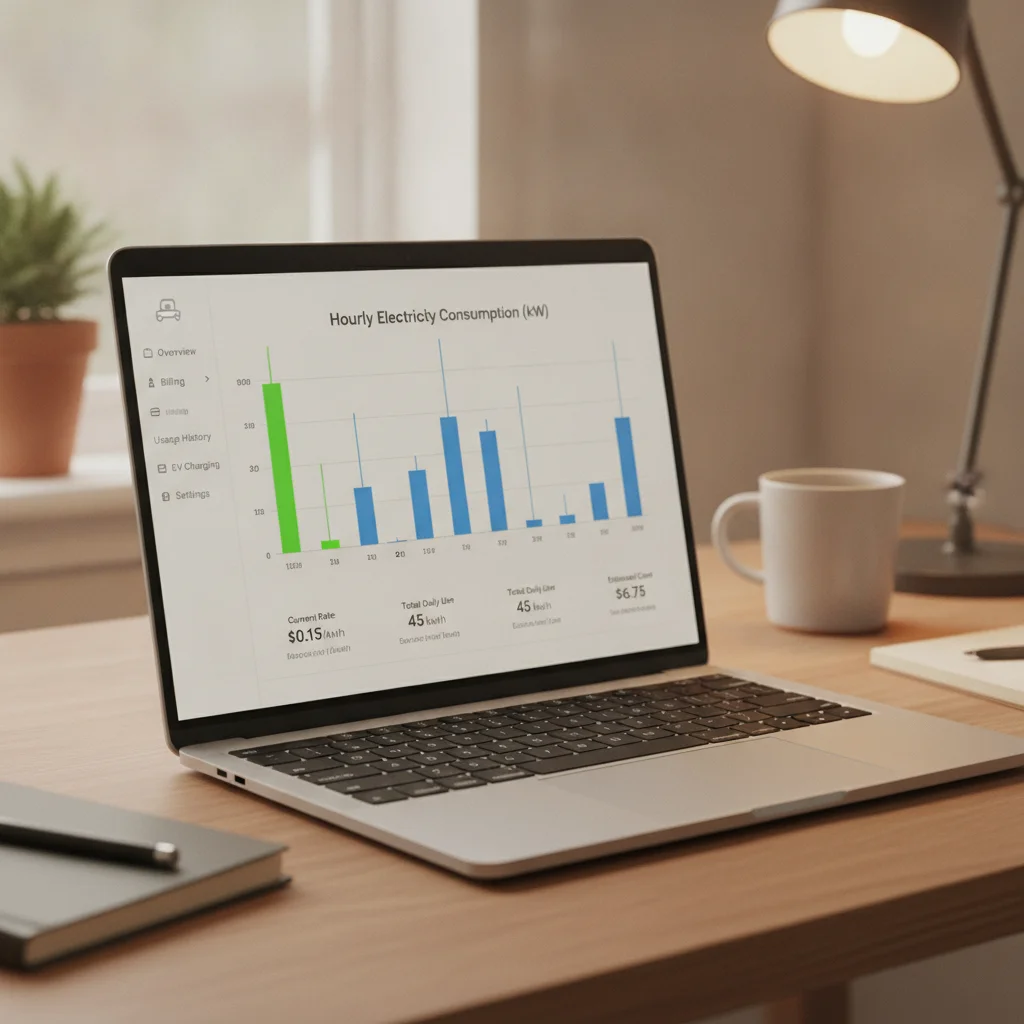
After your first full month on a TOU plan with scheduled charging, pull up your itemized bill. Most utilities now provide hour-by-hour consumption data through their online portals. Look for your charging sessions: they should appear as demand spikes clustered within your off-peak window. If you see spikes during peak hours, your schedule has a configuration problem.
Use Your Vehicle's Energy App
Tesla's app shows charging history with timestamps. GM's myChevrolet app provides session-by-session kWh data. Most other OEM apps offer similar reporting. Export or screenshot a week's worth of sessions and verify that start times align with your off-peak rate window — not the peak window before it.
Calculate Your Monthly Savings
Take your monthly kWh consumed from charging (visible in your app or on your bill), multiply by the difference between your peak and off-peak rate, and you have your gross savings from scheduling. For most drivers consuming 300–500 kWh per month at home, this is $60–$150 in annual savings at minimum — often considerably more in high-rate states.
Revisit Your Schedule Seasonally
Utility rate schedules can change. Off-peak windows sometimes shift with seasonal time changes. Set a calendar reminder to verify your off-peak hours each spring and fall, and update your schedule if the windows have moved.
When Smart Scheduling Has Limits
Scheduled home charging is highly effective, but it is not a universal solution. Three scenarios warrant a different approach.
You Rely Heavily on Public DC Fast Charging
If you live in an apartment without home charging access, scheduled charging at a public station is rarely practical. Fast chargers at public charging networks like Electrify America and EVgo do not offer time-of-use savings — you pay per session or per kWh at a fixed commercial rate, regardless of the hour. In this case, the better strategy is minimizing fast-charge frequency and using any available Level 2 destination charging during natural parking dwell time.
Your Utility Doesn't Offer TOU Pricing
In some rural service territories, flat-rate pricing is still the norm. Without a rate differential between peak and off-peak hours, scheduled charging offers no cost advantage — though it can still benefit battery longevity. Contact your utility to ask whether a TOU plan is available, or check whether a community choice aggregator in your area offers one.
Your Daily Drive Is Irregular
If your departure times vary wildly — some days 6 a.m., others 10 a.m. — a single fixed departure time will sometimes leave the car undercharged for early starts. In this case, use the vehicle's app to manually adjust the departure time each evening before bed, or set the schedule conservatively for your earliest possible departure and accept that on late-start days the car will sit fully charged for a few extra hours. Most vehicles handle this gracefully; a small number may continue cabin conditioning unnecessarily, which wastes minimal energy but is worth being aware of.
All claims are backed by peer-reviewed research. Sources on request.