
Key Takeaways
What Is an Auto Insurance Declarations Page?
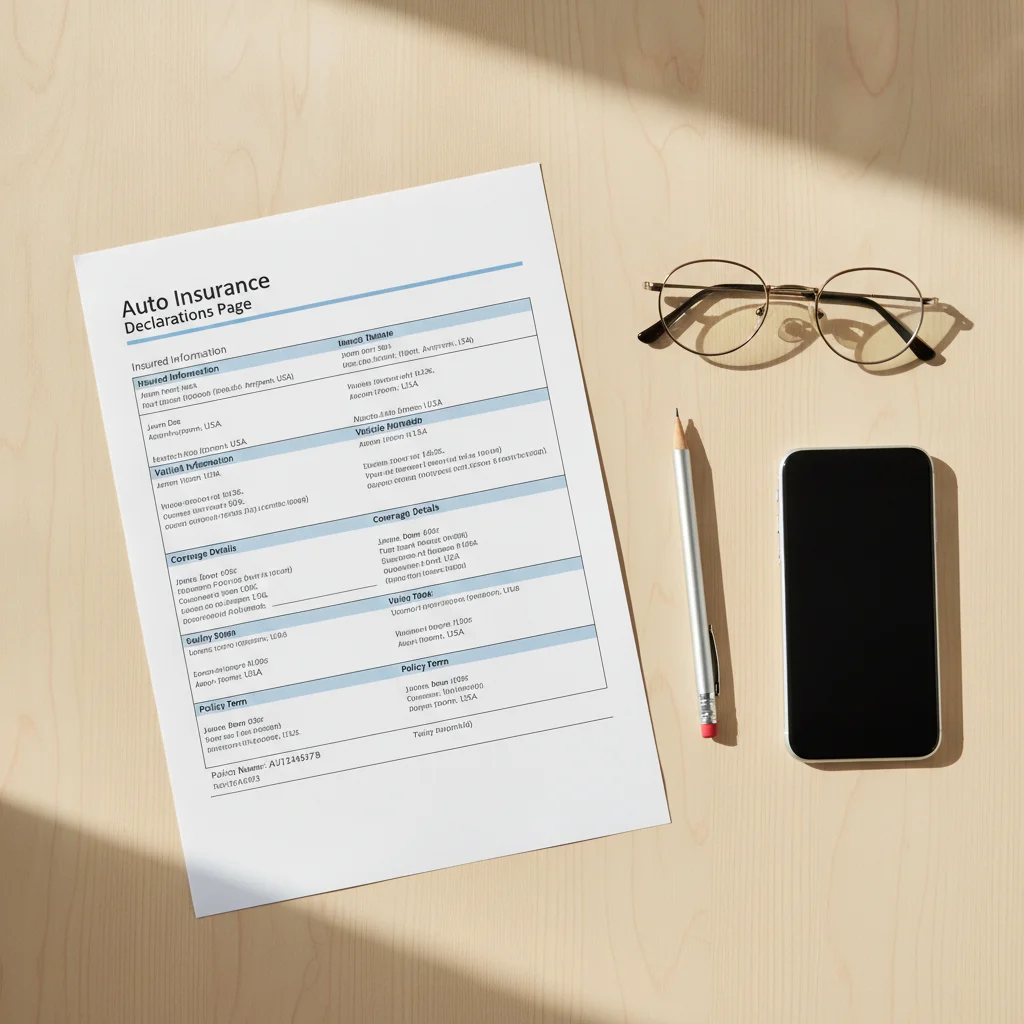
The declarations page — commonly called the "dec page" — is the cover sheet of your auto insurance policy. It's typically one to two pages long and functions as a plain-language summary of the entire policy contract behind it. Every major term your insurer has agreed to — who's covered, what vehicles are covered, for how long, and at what limits — is condensed here.
Insurers are required by state law to provide this document, and you'll receive an updated one at every policy renewal, after any mid-term change, and when you request a copy. If you've ever needed to prove you have insurance at a dealership, a DMV, or a lender's office, the dec page is what you hand over.
Before you can use it effectively, you need to be comfortable reading it. That starts with knowing what each section actually means — not just recognizing the words.
If you need a copy of your current declarations page and don't have one on hand, see our guide on how to request policy documents from your insurer. It's usually faster than most people expect.
The Anatomy of a Declarations Page
While every insurer formats their dec page slightly differently, every document contains the same core categories. Here's what each one means and what you should be checking.
Policy Information Block
This section sits at the top and contains:
- Policy number: Your unique identifier. You'll need this for every interaction with your insurer — keep it accessible.
- Policy period: The exact start and end dates of your coverage, typically shown as a six-month or twelve-month window with specific times (usually 12:01 a.m.). Coverage doesn't exist outside this window unless renewed or extended.
- Named insured(s): The person or people on the policy. If your spouse or a co-owner isn't listed here, they may not have full coverage rights as a policyholder.
- Insurer name and contact: The company issuing the policy and a customer service number.
Vehicle Information
Every insured vehicle gets its own row or block, typically listing:
- Year, make, and model
- VIN (Vehicle Identification Number)
- Garaging address — where the car is primarily kept
- Use classification — whether the vehicle is used for commuting, pleasure, or business
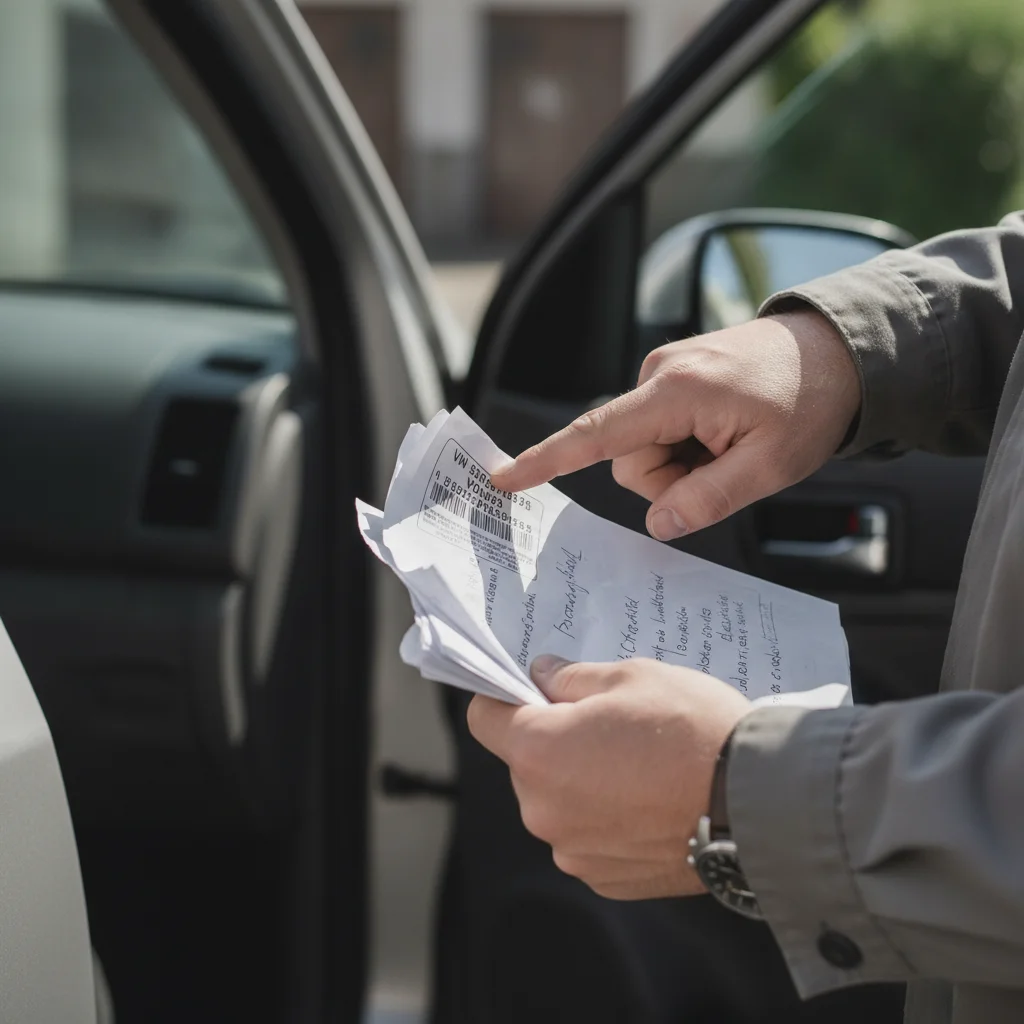
Check the VIN carefully. A single transposed digit means the insurer may dispute a claim on the grounds that the listed vehicle and the damaged vehicle are not the same.
Coverage Summary Table
This is the most important section. It lists each coverage type, the limit that applies, your deductible (where relevant), and the premium charged for that coverage. Common line items include:
| Coverage Type | What It Covers | Has Deductible? |
|---|---|---|
| Bodily Injury Liability | Injuries you cause to others | No |
| Property Damage Liability | Damage you cause to others' property | No |
| Uninsured/Underinsured Motorist | Your injuries when the other driver can't pay | Sometimes |
| Medical Payments / PIP | Your medical costs regardless of fault | No |
| Comprehensive | Non-collision losses (theft, weather, fire) | Yes |
| Collision | Damage from a collision with another vehicle or object | Yes |
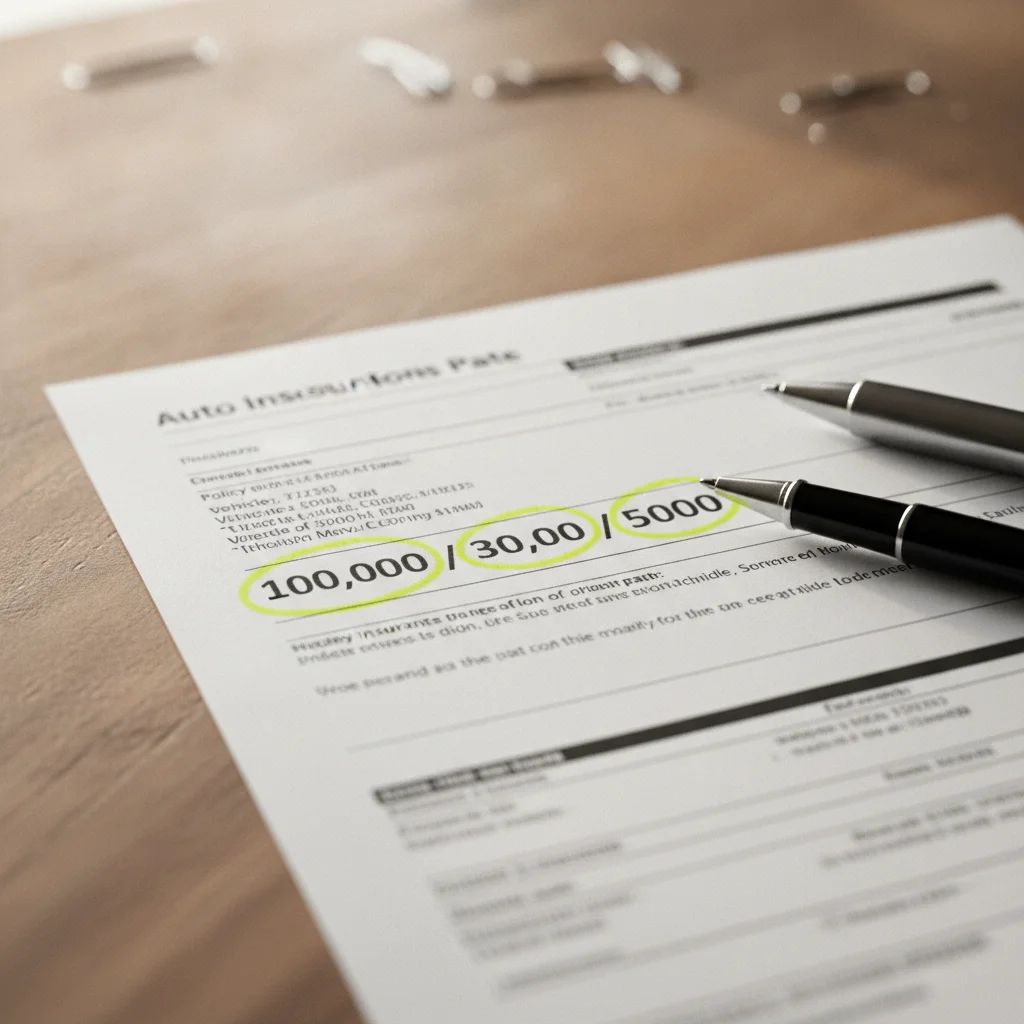
Liability limits are typically displayed as split limits — three numbers separated by slashes, such as 100/300/100. Those numbers are not arbitrary. See our full breakdown in Reading Your Liability Limits: What 25/50/25 Actually Means to understand exactly what each figure caps and why the middle number matters most.
Endorsements and Riders
Below the main coverage table, you'll often find a list of endorsements — add-ons or modifications to your base policy. These might include rental reimbursement, roadside assistance, new car replacement, or a named-driver exclusion. Some endorsements expand your protection; others restrict it. Never skip this section.
Premium Summary
The dec page typically shows premiums broken out by coverage and by vehicle, then totaled. This is your reference point when shopping competing quotes — an apples-to-apples comparison requires matching not just the total premium but each individual coverage type and limit. Our companion guide on using your declarations page for policy comparisons walks through that process in detail.
Renewals Can Quietly Change Your Coverage
Insurers are permitted to modify terms, add exclusions, or drop endorsements at renewal with required advance notice — but that notice is often buried in renewal documents most people don't read. Never assume your renewed policy is identical to your previous one. A side-by-side comparison of consecutive dec pages takes ten minutes and can catch meaningful changes.
How to Read Your Dec Page Step by Step
Now that you know what the sections contain, here's a repeatable process for reviewing your declarations page at every renewal or after any major life change — a new vehicle, a new driver in the household, a move to a different state, or a change in how you use your car.
What you will need
Confirm the named insureds are correct
Look at the top section of the dec page and verify that every person who should be listed as a named insured actually appears. Named insureds have the broadest rights under the policy — including the right to make changes, request cancellations, and receive claim payments.
If a spouse, domestic partner, or co-owner of a vehicle is missing from this field, contact your insurer to add them. This is different from listing someone as an additional driver — named insured status confers policy-level rights.
Verify the policy period dates
Confirm the start and end dates of your coverage window and note that most policies specify coverage begins and ends at 12:01 a.m. on those dates — not midnight, and not noon. If your renewal date is approaching and you haven't received a new dec page, contact your insurer to confirm the policy hasn't lapsed.
Check each vehicle's VIN and garaging address
For every vehicle listed on the policy, cross-reference the VIN shown on the dec page against the VIN on your vehicle's registration or the sticker on the driver's side doorjamb. They should match exactly — all 17 characters. Also confirm the garaging address is current. If you've relocated since the last renewal, update this immediately.
Review each coverage type and its limit
Go line by line through the coverage summary table. For each coverage type, ask yourself three questions:
- Is this coverage actually here? (Don't assume it is.)
- Is the limit high enough given my assets and risk exposure?
- Is the deductible a number I could realistically pay out of pocket tomorrow?
Liability limits deserve particular scrutiny. The minimum your state requires is almost always insufficient to protect your personal assets in a serious accident. A 100/300/100 limit is a common starting point for drivers with meaningful savings or home equity. If you're unsure what those numbers mean, review our dedicated guide on liability limit breakdowns.
Read through all listed endorsements
Endorsements are modifications to your base policy that either add benefits (like rental reimbursement or gap coverage) or restrict them (like a named-driver exclusion that removes coverage when a specific person drives). They're typically listed by name and sometimes by form number near the bottom of the dec page.
For each endorsement, confirm you know what it does and that it reflects a choice you made deliberately. If you see an endorsement you don't recognize, look it up in your full policy document or call your insurer for a plain-language explanation before accepting it at renewal.
Confirm the premium breakdown matches what you're paying
The premium summary on your dec page shows what each coverage costs individually and your total policy premium. Compare this against your payment records. If the numbers don't align — especially after a recent change — contact your insurer's billing department. Mid-term adjustments sometimes result in credits or additional charges that aren't communicated clearly.
What to Do When Something Looks Wrong
Catching an error on your declarations page before a claim happens is far better than arguing about it afterward. Common issues include:
- Wrong VIN: Contact your insurer immediately. This is a straightforward correction and they'll issue an amended dec page.
- Missing driver: If a household member who regularly drives the vehicle isn't listed, add them. Omitting a driver — particularly a young or high-risk one — can be treated as misrepresentation, which gives an insurer grounds to deny a claim.
- Wrong garaging address: Rates are calculated by where the car lives. If you've moved and haven't updated this, you may have incorrect coverage and could owe a premium adjustment.
- Coverage you didn't request: If a coverage appears that you never asked for, call and ask. Sometimes this is an automatic add-on at renewal; sometimes it's a billing error.
- Coverage you expected but don't see: If you asked for roadside assistance or rental reimbursement and it's absent, verify the endorsement was actually applied before you need it.
Don't Wait Until a Claim to Find an Error
Errors on your declarations page — wrong VIN, missing driver, incorrect garaging address — are straightforward to fix before a claim. After a loss occurs, the same errors can give an insurer grounds to delay or deny coverage. Review your dec page at every renewal, not just when something goes wrong.
If your insurer is unresponsive or disputes a legitimate correction, your state's Department of Insurance has a consumer complaint division that can intervene. Most states require insurers to respond to complaints within 15 business days.
Understanding what your driving record looks like can also help you anticipate what's showing up in your premium. Our guide on reading your driving record explains the codes and entries insurers pay the most attention to.
Using Your Declarations Page at Key Moments
Your dec page isn't just a document you file and forget. Here are the specific moments when you should pull it out and review it actively.
At Every Renewal
Insurers adjust coverage terms, add exclusions, or drop endorsements at renewal without always making those changes obvious. A year-over-year comparison of your dec pages — coverage type by coverage type — takes about ten minutes and can catch meaningful changes before they affect you.
Before a Major Purchase
Buying a new or used vehicle? Your existing policy may automatically extend to a newly acquired car for a short window (typically 14 to 30 days), but the coverage that applies depends on your current policy structure. Check your dec page and call your insurer before you drive the new car off the lot. For context on the paperwork side of a vehicle purchase, see the hub on Paperwork & Contracts.
When Comparing Competing Quotes
A lower premium quote from a competing insurer only means something if the coverage is comparable. Use your dec page as your benchmark. Match each line item — not just the total. Pay particular attention to liability limits, comprehensive and collision deductibles, and any endorsements you rely on. Unfamiliar terms in a competing policy? Our auto insurance terms glossary covers the vocabulary you need to compare accurately.
When Filing a Claim
Your dec page tells you immediately what coverage you have, what deductible applies, and what the limit is — all information you need before you speak to a claims adjuster. Having it in front of you prevents you from agreeing to something that conflicts with your actual policy terms. Our hub on Filing a Claim outlines the full process from first notice to settlement.
Store Your Dec Page Where You Can Access It Offline
Download a PDF of your current declarations page and save it somewhere you can reach without an internet connection — a phone's local storage, a printed copy in your glove compartment, or a secure cloud folder you can access offline. In an emergency, you may not have signal or time to log into a portal.

All claims are backed by peer-reviewed research. Sources on request.