
Key Takeaways
Why Online Car Shopping Feels Overwhelming — and Why It Doesn't Have To
There are more than 40 million used vehicles listed for sale in the United States at any given moment. Major platforms like CarGurus, AutoTrader, Cars.com, and Facebook Marketplace each carry hundreds of thousands of listings simultaneously. Add Carvana, CarMax, private dealer sites, and regional classifieds, and the information volume becomes genuinely paralyzing for any buyer who doesn't have a system.
The overwhelm isn't a personal failure — it's an intentional product of how these platforms are designed. More listings viewed means more ad revenue, more dealer leads, and more platform engagement. The incentive is to keep you browsing, not to help you decide. That's your job, and it requires a framework the platforms won't give you.

The buyers who navigate online listings successfully share one trait: they treat the search like a filtering process, not a shopping experience. They start with constraints and work toward a shortlist — not the other way around. Every step in this guide is designed to give you that same structure, regardless of whether you're buying local or purchasing remotely.
Before you start, understand what kind of purchase you're making. If you're open to buying entirely online, the dynamics around inspections, shipping, and title transfer add variables that need their own attention. Our guide to remote used car purchases covers those specifics in full — work through it alongside this comparison framework if a remote purchase is on the table.
What you will need
What to Do After Your Shortlist: Inspection, Negotiation, and Closing
A well-built shortlist is only half the process. What you do with those 3–5 finalists determines whether you land a genuinely good deal or just avoid an obviously bad one.
The hierarchy of verification looks like this: listing review first, vehicle history report second, seller conversation third, independent inspection fourth. Never skip steps or do them out of order to save time. Each step filters out a different category of risk — history reports catch title and accident issues; seller conversations surface undisclosed problems and pricing flexibility; inspections catch mechanical issues that no document will reveal.
Saved Lists Are Not a Strategy
Most platforms let you save or favorite listings indefinitely, which creates a false sense of progress. Saving 40 cars is not the same as comparing them. Without a structured framework, your saved list just becomes a second inbox — noisy and paralyzing. Commit to removing any listing that doesn't pass your hard criteria within the first review.
Platform Price Gaps Are Real — and Intentional
The same vehicle can be listed thousands of dollars apart on different platforms. Dealers know that most buyers search on only one site. Always cross-reference a specific vehicle's price against Kelley Blue Book, Edmunds, and at least one competing listing platform before concluding the price is fair. Price anchoring is a real psychological tactic — don't fall for the first number you see.
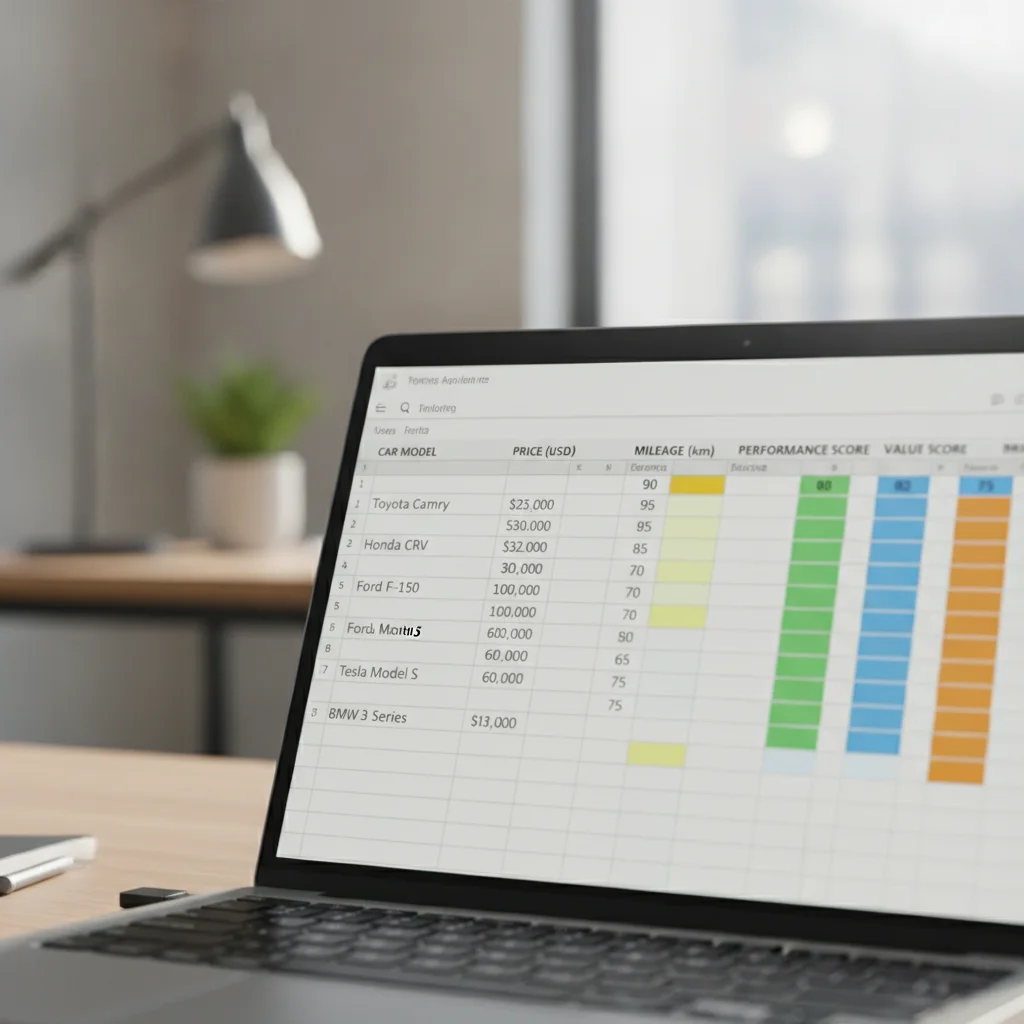
On negotiation: your spreadsheet data is your leverage. If a vehicle is listed at $18,500 and KBB fair market value for that trim, mileage, and condition is $16,800, you have a documented basis for a counter. 'I think it's worth less' is not a negotiation position. 'KBB puts this at $16,800 for this exact configuration — I'm prepared to move forward at $17,200' is. The data you've already collected does the heavy lifting.
For private-party sellers, understand that unlike dealers, they have no reconditioning costs, no floorplan interest, and no overhead — which means the realistic negotiation range is narrower. A $500–$800 reduction on a fairly-priced private listing is reasonable; asking for $3,000 off will end the conversation. For dealer listings, the room is typically larger — especially on vehicles that have sat more than 30 days.
Don't Skip Preapproval Before You Shop
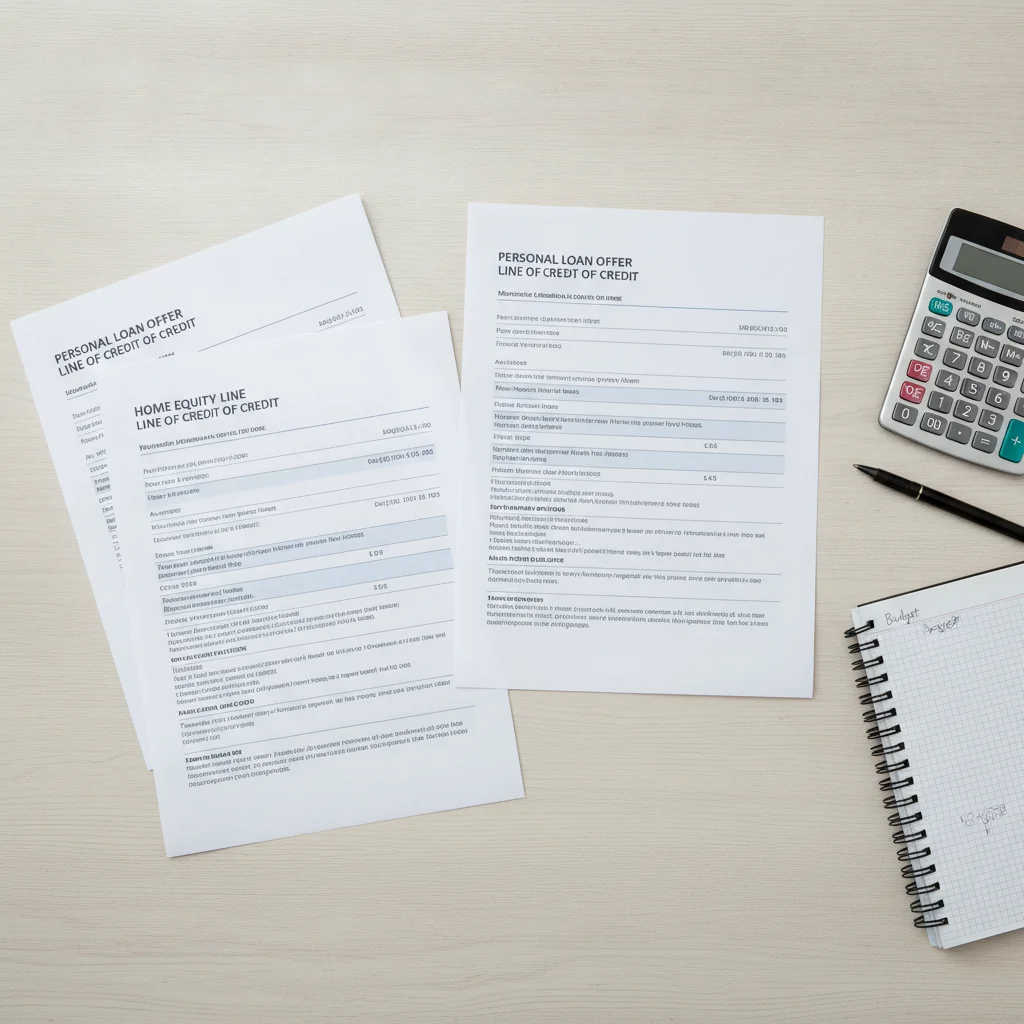
Browsing listings without a preapproved loan amount is like shopping without knowing your budget — it leads to emotional decisions and overextension. Get preapproval from a bank, credit union, or online lender before you seriously compare vehicles. This also reveals the true monthly payment ceiling you're working with, which changes which listings actually make sense for you. See <a href="/auto-loans/loan-basics/interest-and-apr/how-to-compare-auto-loan-offers-across-multiple-lenders">how to compare auto loan offers</a> for a practical framework.
Listings Lie by Omission — Always Verify
A listing isn't a contract. Sellers routinely omit accident history, skip unflattering photos, and understate mileage or condition. Never make a financial commitment based solely on listing text and gallery images. Always run a vehicle history report and, for remote purchases, arrange an independent inspection. Our guide on <a href="/buying-a-car/car-buying-process/online-car-buying/red-flags-to-watch-for-when-browsing-online-car-listings">red flags in online car listings</a> breaks down exactly what to watch for.
Once you're ready to close, make sure your financing is locked before you enter any signing process. If you're evaluating multiple loan options, comparing preapproval offers gives you the structure to choose by total loan cost rather than just monthly payment — a distinction that can save you thousands over the life of the loan.
Finally, know that the skills you build comparing vehicles transfer directly when you understand the seller's perspective. Seeing what makes a strong car listing from the seller's side helps you recognize immediately when a listing is deliberately vague — and what the seller is probably trying to hide.
Build Your Template Before You Search
Open a spreadsheet — Google Sheets works fine — and create column headers for every variable you care about before you open a single listing. This forces clarity on what actually matters to you and prevents you from adding arbitrary criteria mid-search because a particular car looked nice in photos.
Set a Daily Listing Limit
Cap yourself at reviewing no more than 10–15 new listings per day. Decision fatigue is real, and reviewing 50 cars in one sitting produces worse decisions than reviewing 10 with fresh eyes. Treat it like a job application process — quality evaluation over volume browsing.
Use Price Drop Alerts to Your Advantage
Most major platforms — including CarGurus, AutoTrader, and Cars.com — offer email or push alerts when a saved listing drops in price. Enable these and check whether a price drop happened because of market conditions or because the vehicle sat too long — both are useful signals when negotiating.

All claims are backed by peer-reviewed research. Sources on request.