Key Takeaways
Why Dashcam Footage Changes Everything After a Crash
Disputes over who caused an accident are common. One driver says the other ran a red light. The other claims the first was speeding. Without objective evidence, it becomes your word against theirs—and insurance adjusters hate ambiguity. They resolve it by splitting fault, which can raise your premium even when you did nothing wrong.
A dashcam cuts through that noise. It records speed, position, road conditions, and the sequence of events in real time. When an adjuster or attorney reviews that footage, the dispute often ends quickly. That's not a minor advantage—it can be the difference between a full settlement and a shared-fault penalty that follows your policy for years.
But footage only helps you if you handle it correctly after the accident. Mishandling it—delaying backup, sharing it carelessly, or ignoring how your state treats recordings—can cost you the very protection you paid to have. The steps below walk you through doing this right.
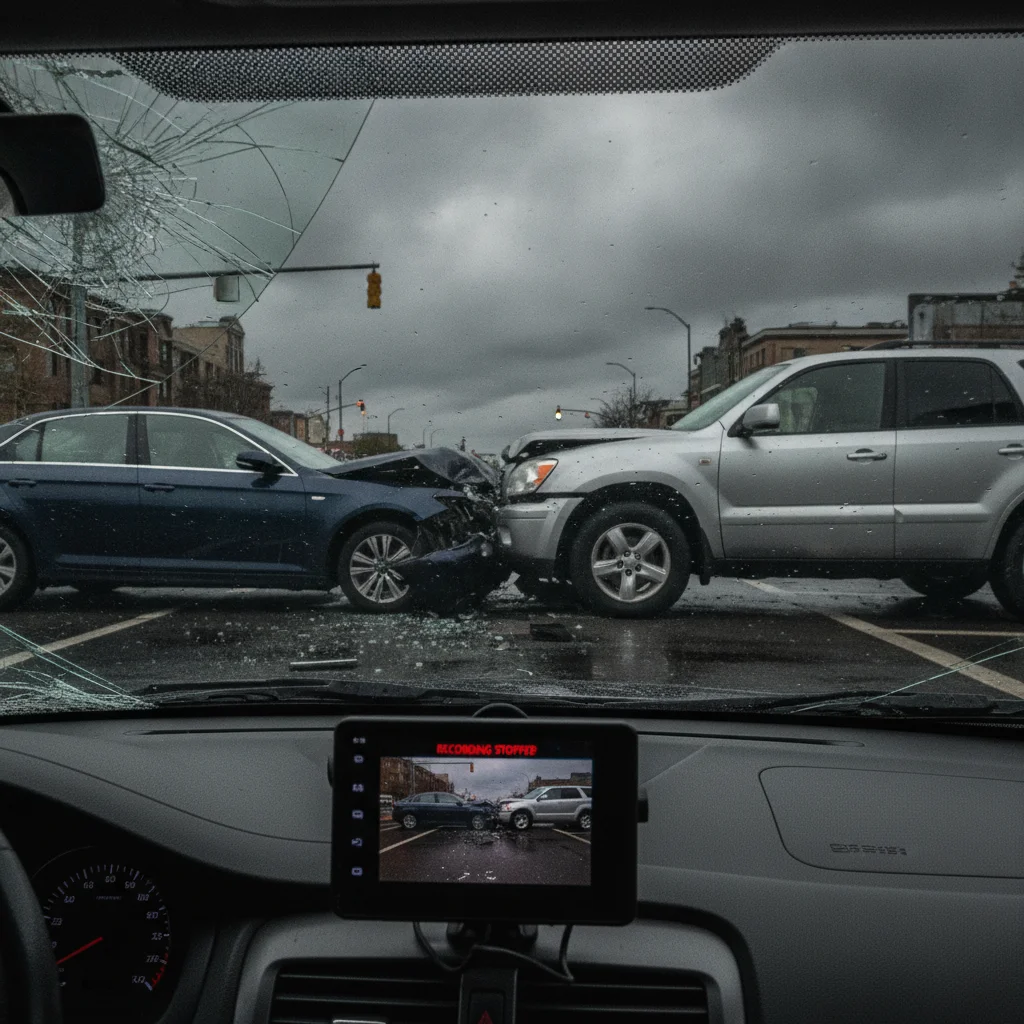
Before diving into post-accident steps, it's worth understanding what you're doing in those first minutes. See what to prioritize in the first 10 minutes after a crash—dashcam preservation fits into that window.
Step One: Secure the Footage Before It Disappears
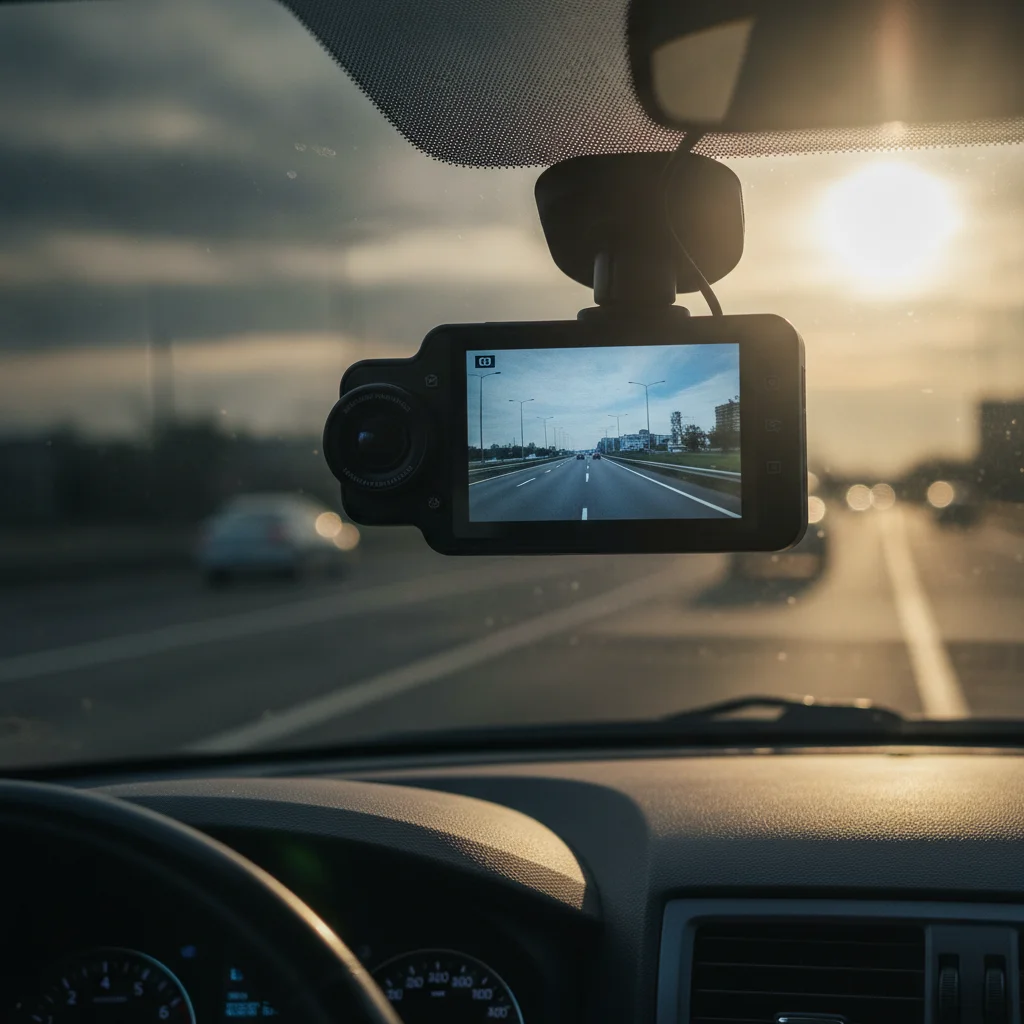
Most dashcams use loop recording, which means they automatically overwrite old footage once the storage card fills up. Depending on your card size and resolution settings, that cycle can happen in as little as 30 minutes to a few hours. If you drive away from the scene and forget about it, the footage may be gone by the time you think to check.
The moment it is safe to do so after an accident, take these actions:
- Remove the SD card and store it somewhere safe—your wallet, a jacket pocket, or a small envelope in your glove box. Do not leave it in the camera if you plan to keep driving.
- If your dashcam has a built-in incident lock (often triggered by pressing a button or by the G-sensor on impact), confirm the file is locked before removing the card. Locked files are excluded from the overwrite loop.
- Back up digitally as soon as possible. Connect the card to your phone or laptop and copy the relevant file to cloud storage. Most major cloud platforms—Google Drive, iCloud, Dropbox—work fine for this.
- Note the exact timestamp shown in the footage, and cross-reference it with your phone's clock. Timestamp discrepancies can arise if the dashcam's internal clock was never set correctly, and you'll want to explain that gap upfront.
One detail drivers miss: dashcam footage often captures audio inside the vehicle. What you say immediately after the crash—especially any admission of fault or apology—may also be on the recording. Keep that in mind when you review it.
Step Two: Review Before You Share
Watch the footage yourself before anyone else does. This is not about hiding information—it's about knowing what you're dealing with. The video may show things that support your account, but it might also capture details you weren't aware of. Either way, you need to know first.
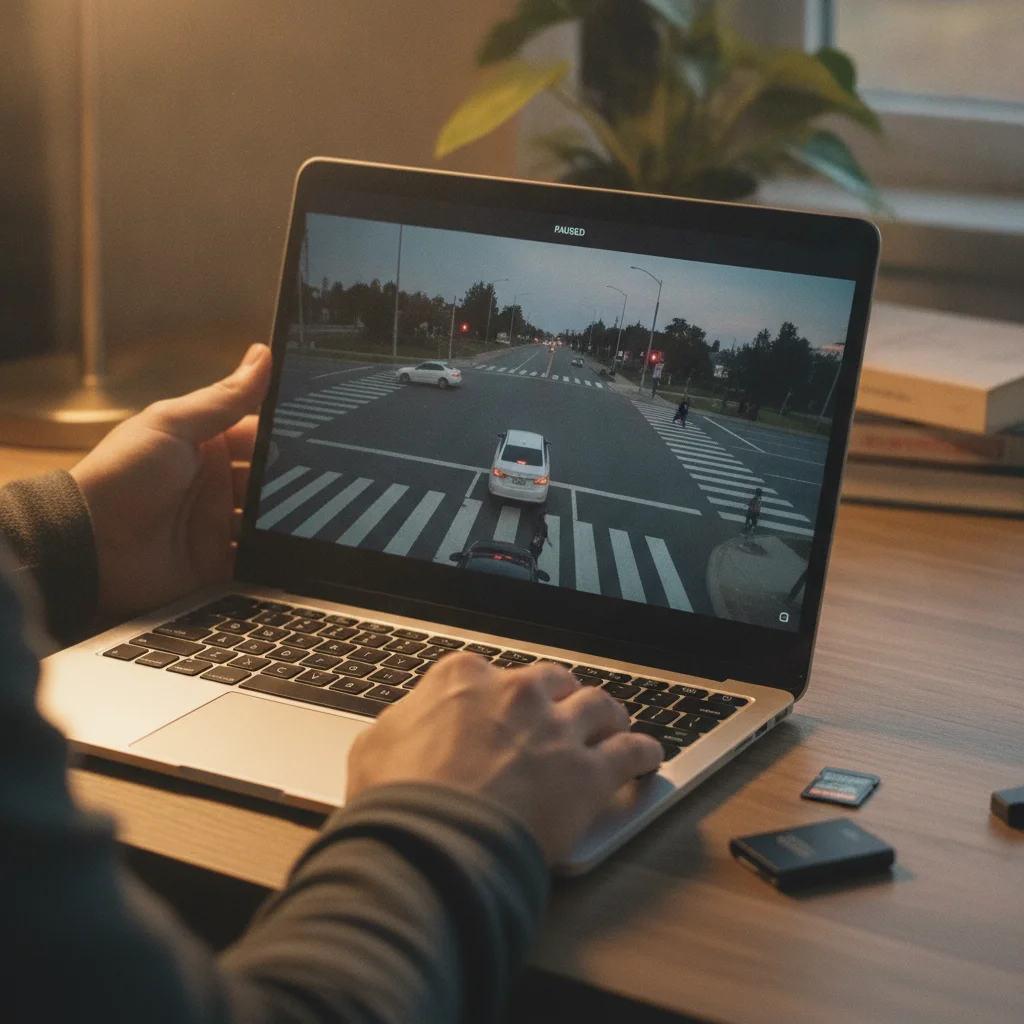
As you review, note the following:
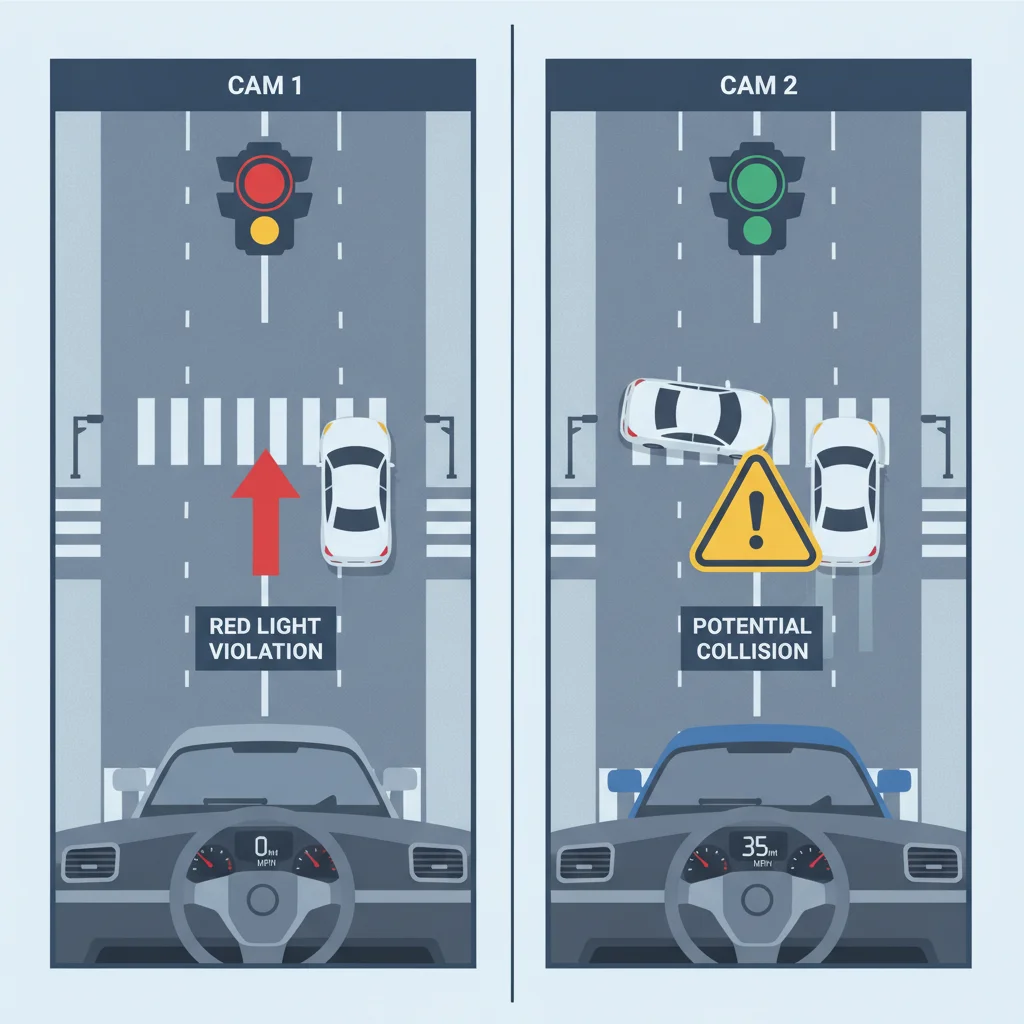
- Was your speed consistent with the posted limit in the seconds before impact?
- Does the footage clearly show the other vehicle's actions—lane change, failure to stop, running a light?
- Are road conditions, traffic signals, or signage visible in the frame?
- What is the timestamp, and does it match the actual time of the accident?
- Is the audio audible? Does it capture anything relevant—or anything you'd rather explain in context?
If the footage clearly supports your account, you're in a strong position. If it's ambiguous or shows something that complicates your story, consult with an attorney before sharing it with anyone other than your own insurer. You are generally required to cooperate with your own insurance company's investigation, but you are not obligated to hand footage directly to the other driver's insurer without understanding the implications first.
For context on what else you should be documenting at the scene, see what courts actually care about when documenting an accident scene.
You Are Not Required to Share With the Other Driver
At the accident scene, the other driver may ask to see your dashcam footage or request your SD card. You have no legal obligation to comply. Footage disclosure happens through the insurance claims process or legal discovery—not at the roadside. Politely decline and let your insurer handle the exchange through proper channels.
Chain of Custody Matters in Court
If your claim escalates to civil litigation, your attorney will need to establish that the footage was not altered between the time of the accident and when it is introduced as evidence. To protect yourself, avoid opening or editing the original video file. Store the SD card in a sealed envelope and note the date you removed it from the dashcam. Some attorneys request a digital hash of the file at the time of first backup to verify integrity later.
Step Three: Know Your State's Privacy and Recording Laws
Dashcam legality varies by state, and this affects how your footage can be used. The two main legal categories to understand are:
One-Party vs. Two-Party Consent for Audio
In most U.S. states, one-party consent means you can legally record conversations you're part of without telling others. But eleven states—including California, Florida, and Illinois—require all-party consent for recorded audio. If your dashcam records audio inside the vehicle and a passenger or the other driver's voice is captured, you could face a legal complication in those states.
The practical fix: some drivers disable audio recording on their dashcam in two-party consent states. The video itself is generally unaffected by these statutes—it's the audio component that creates risk.
Windshield Obstruction Rules
Several states restrict how large a device can be mounted on the windshield, or where it can be placed. California limits dashcam mounts to a small zone in the lower driver's corner or upper passenger's corner of the windshield. If your dashcam was illegally mounted, an opposing attorney could raise that to question the legitimacy of the recording—though in practice, this rarely results in footage being excluded.
70%
Of disputed claims resolved faster with video evidence
According to insurance industry research, dashcam or traffic camera footage resolves fault disputes significantly faster than testimony-only claims.
11
U.S. states requiring all-party audio consent
States including California, Florida, and Illinois require all parties to consent to audio recording, which affects dashcam audio legality.
$150
Average cost of a quality 1080p dashcam
Entry-level dashcams with adequate resolution and loop recording typically cost between $80 and $200, making them one of the most cost-effective risk management tools for drivers.
When in doubt, check your state's DMV website or consult a local attorney about recording laws before an accident happens—not after.
Best Practices for Using Dashcam Footage in Your Claim
Having footage is one thing. Using it effectively in your insurance claim is another. These are the practices that actually move claims in your favor.
Back up footage to cloud storage within the first hour after an accident.
Loop recording can overwrite accident footage in under an hour on smaller SD cards. A prompt cloud backup ensures the footage is preserved regardless of what happens to the physical card or device. Once lost, dashcam footage cannot be recovered.
Submit footage to your own insurer before sharing it with the other driver's insurance company.
Your insurer has a duty to represent your interests. Sharing footage directly with an opposing insurer without guidance can lead to the footage being used to establish shared fault before your own claim is fully evaluated. Let your adjuster guide the disclosure process.
Always retain the original SD card and share only digital copies.
The original SD card is your primary evidence. Handing it to an insurer, opposing party, or even your own attorney without keeping a backup exposes you to loss or tampering risk. Digital copies are sufficient for claims purposes and litigation discovery.
Note any timestamp discrepancy in the footage and explain it in writing upfront.
If the dashcam's internal clock was set incorrectly, the timestamp on the footage may not match the actual time of the accident. Adjusters and attorneys will flag that discrepancy. Proactively explaining it prevents it from being used to question the footage's authenticity.
Disable audio recording if you drive in a two-party consent state.
States like California, Florida, and Illinois require all parties to consent to audio recording. Dashcam audio captured in those states without consent can create legal exposure and may complicate how the footage is used. Most dashcams allow audio to be disabled in settings without affecting video quality.
Pair dashcam footage with a written account made immediately after the accident.
Memory degrades quickly after stressful events. A written account made within hours of the crash captures details—road conditions, driver behavior, traffic signals—that may not be visible in the footage but support its interpretation. Courts and adjusters give more weight to evidence that is corroborated across multiple formats.
Dashcam footage works best when it's part of a complete documentation package—not your only piece of evidence. Pair it with photos of the scene, a written account made shortly after the accident, and a copy of the police report. Adjusters and attorneys find footage more compelling when it aligns with other documented evidence. See what to photograph at the accident scene and why to build out that supporting record.
Make a Paper Trail Alongside Your Footage
Dashcam footage is most persuasive when it aligns with a contemporaneous written record. After securing the SD card, use your phone's voice memo app to record a verbal account of what happened—date, time, weather, sequence of events, and any witness names. This takes three minutes and adds significant credibility to your claim. Adjusters notice when drivers can produce consistent documentation from multiple sources.
Check Your Policy for Dashcam Discounts
Some insurers offer a small premium discount for drivers who use dashcams, similar to safe-driver telematics programs. It's worth calling your insurer's customer service line to ask—even a 2–5% discount adds up over the life of a policy, and it signals to the insurer that you're a lower-risk driver.
When Dashcam Footage Gets Complicated
Not every situation is clean. Here are a few scenarios where dashcam footage creates complications—and how to handle them.
The Footage Shows You Were Partially at Fault
This happens. Maybe you were slightly over the speed limit, or you didn't check your mirror before changing lanes. Before panicking, remember that most states use comparative negligence—meaning you can still recover damages even if you were partially responsible. The footage may still help you if it shows the other driver was primarily at fault. Talk to an attorney before deciding how to proceed.
The Other Driver Also Had a Dashcam
Their insurer may request that footage during the claims process. You cannot prevent them from accessing footage they lawfully possess. Focus on what your own camera shows, and make sure your documentation supports your account. Avoid the common post-accident mistakes that hurt claims—don't make statements that contradict what either camera captured.
The Footage Was Overwritten
If you didn't secure the card in time and the footage is gone, don't assume you're without options. Traffic cameras, nearby business security cameras, and witness phone recordings can sometimes fill the gap. File a police report immediately and request that the investigating officer note any available surveillance cameras in the area.
The Other Driver Demands You Hand Over Your Card
You have no legal obligation to give your SD card to the other driver at the scene. Be polite but firm: tell them footage will be provided through the appropriate legal or insurance channels. Hand nothing over on the spot.
“Video evidence has fundamentally shifted how we evaluate disputed liability cases. When both parties have footage, the case often resolves before it reaches a courtroom. When only one party has it, that footage almost always prevails.”
— Robert Hartwig, Insurance economist and former president of the Insurance Information Institute
Integrating Dashcam Evidence Into Your Formal Claim
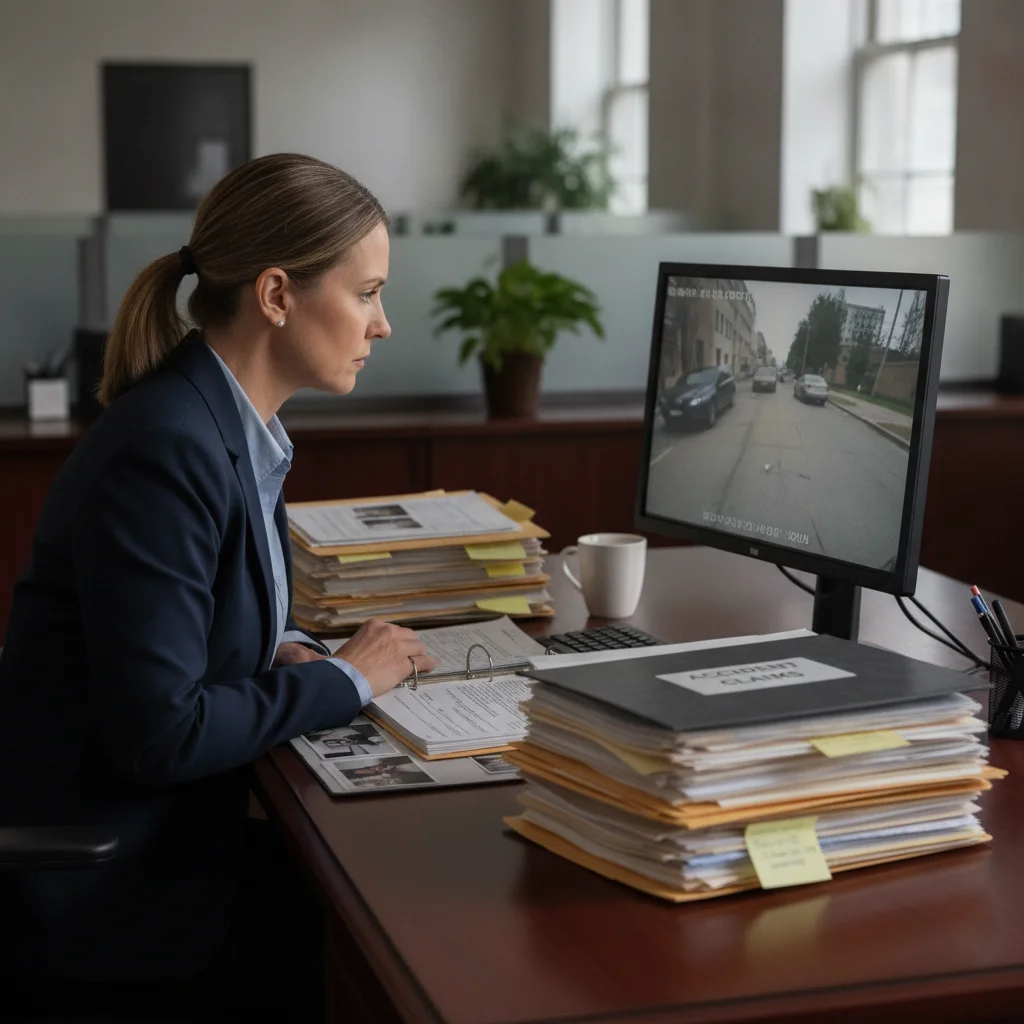
When you file your collision claim, your insurer will ask for all relevant documentation. At that point, provide a copy of the footage—not the original SD card. Keep your original safe. Provide a digital file via a shared cloud link or a USB drive you retain a copy of.
Include a brief written note with the footage that explains:
- The exact date, time, and location of the incident
- Any timestamp discrepancy between the footage and actual time
- What the footage shows, in plain terms (e.g., "The recording shows the other vehicle failing to stop at the intersection and entering my lane of travel at approximately 0:47 in the file")
This written summary helps adjusters locate the relevant moment without scrubbing through the full recording, and it frames what they're seeing before they watch it. For a full walkthrough of the claims process, see how to file a collision claim step by step.
If your claim escalates to litigation, your attorney will handle how the footage is introduced as evidence. In that context, chain of custody matters—meaning you'll need to demonstrate that the file was not altered between the time of the accident and when it is presented. Keeping the original SD card untouched and storing a hash or checksum of the digital file at the time of backup helps establish that integrity.
You Are Not Required to Share With the Other Driver
At the accident scene, the other driver may ask to see your dashcam footage or request your SD card. You have no legal obligation to comply. Footage disclosure happens through the insurance claims process or legal discovery—not at the roadside. Politely decline and let your insurer handle the exchange through proper channels.
Chain of Custody Matters in Court
If your claim escalates to civil litigation, your attorney will need to establish that the footage was not altered between the time of the accident and when it is introduced as evidence. To protect yourself, avoid opening or editing the original video file. Store the SD card in a sealed envelope and note the date you removed it from the dashcam. Some attorneys request a digital hash of the file at the time of first backup to verify integrity later.
Setting Yourself Up Before the Next Accident
The time to optimize your dashcam setup is before a crash, not after. A few low-effort adjustments now can make your footage far more useful if you ever need it.
- Use a high-quality SD card from a reputable brand (Samsung, SanDisk). Cheap cards are more prone to corruption and failure under the heat cycles inside a car.
- Set your dashcam's clock correctly, and re-check it after daylight saving time changes. Timestamp accuracy matters in claims.
- Choose a resolution of at least 1080p. Lower resolutions often can't capture license plates or traffic light states clearly enough to be useful.
- Enable parking mode if your camera supports it. Hit-and-run incidents in parking lots are common, and parking mode captures footage while the car is off.
- Check your footage periodically—monthly is sufficient. Confirm the camera is recording, the card isn't corrupted, and the timestamp is accurate. Many drivers discover their dashcam stopped working long before they needed it.
A dashcam is one of the most cost-effective investments you can make as a driver. A $100 to $200 camera can resolve a disputed claim in minutes that might otherwise take months to litigate. But it only earns its value if it's working, recording, and backed up correctly when it matters.

All claims are backed by peer-reviewed research. Sources on request.